After updating Wappler recently, all my filters, sorting, and pagination stopped working. Anything that depends on URL parameters no longer responds correctly. For example:
Before the update everything worked fine, but now the queries are not receiving the parameter values — the page simply ignores them. This affects filters, list sorting, and pagination across the project.
I have already checked my Server Connect actions, inputs, URL variables, cleared cache, restarted Wappler and the local server, but nothing worked.
I also already sent the project link privately to @Teodor, since the website is not publicly available yet.
Did anyone else experience this issue after the latest update? Is there a new setting or fix that I need to apply?
Hi Adriano, i checked the link you sent, but it's not very clear what to look at on the page? The data loads fine.
Maybe explain where should i click on the page to see the problems you are referring to?
What Wappler version did you have before updating to 7.4.1?
The real problem: Filters and pagination lost after update
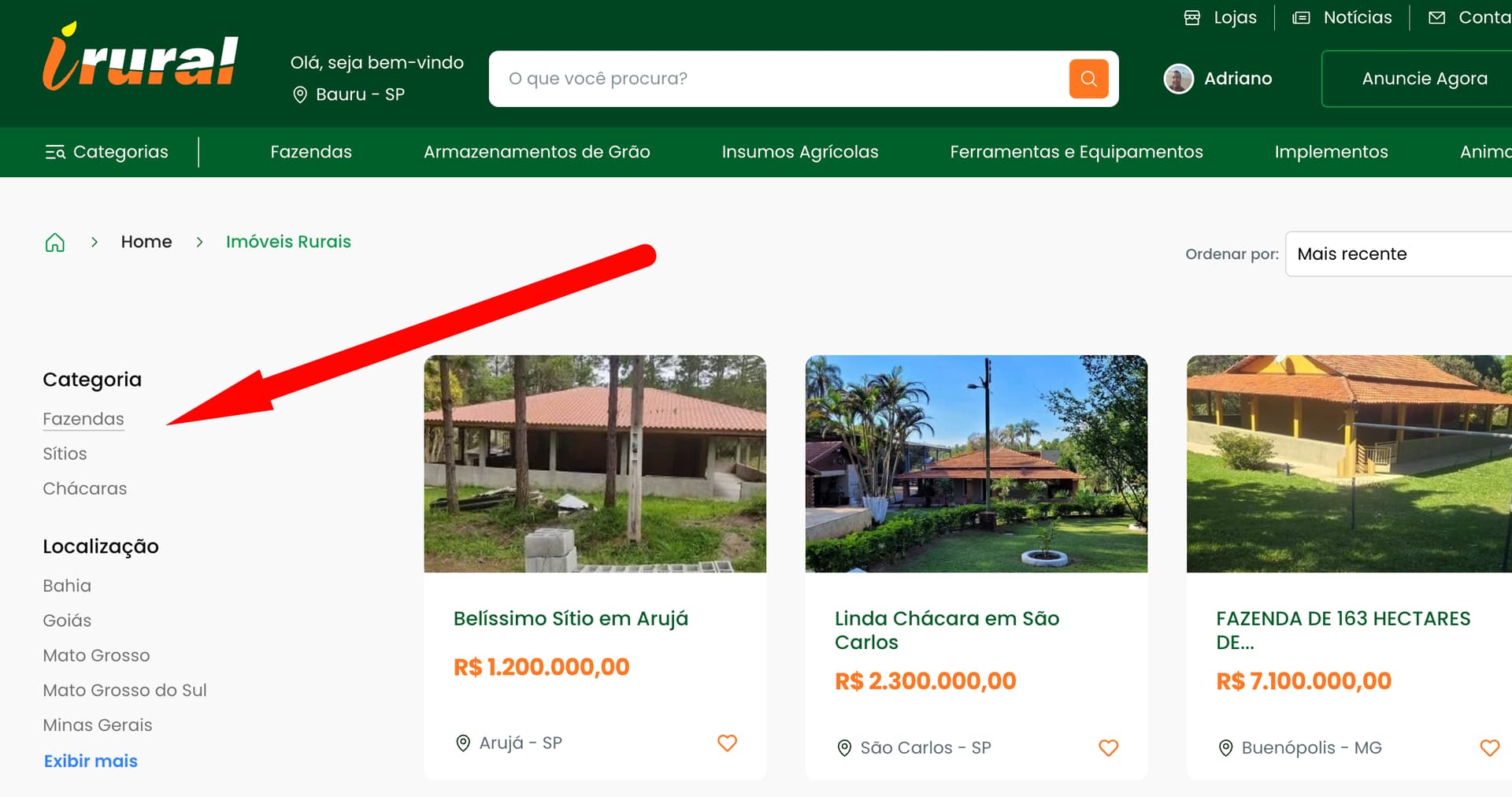
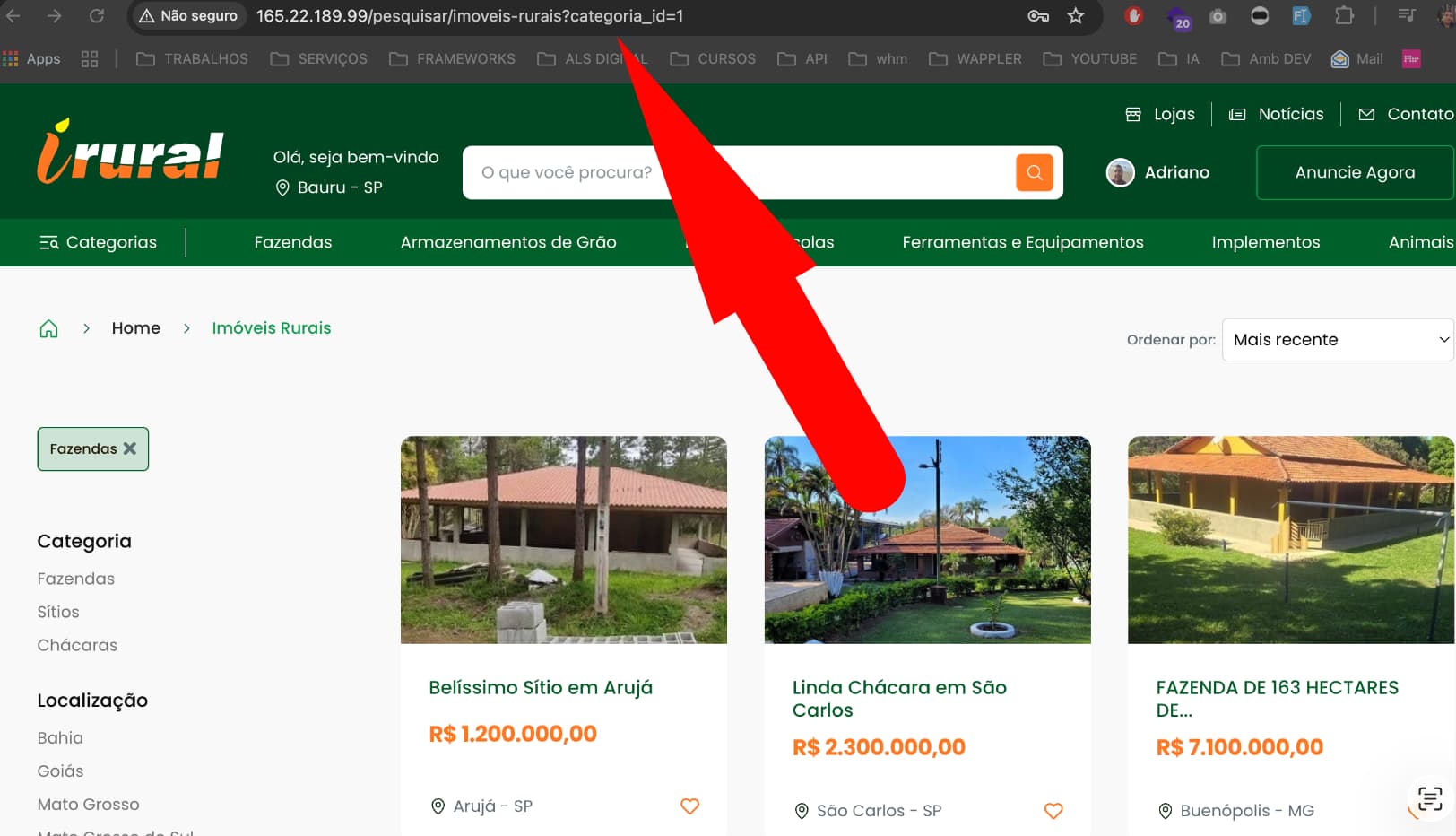
When selecting a category or using pagination, the URL should keep the GET parameters, like this: /pesquisar/imoveis-rurais?categoria_id=1
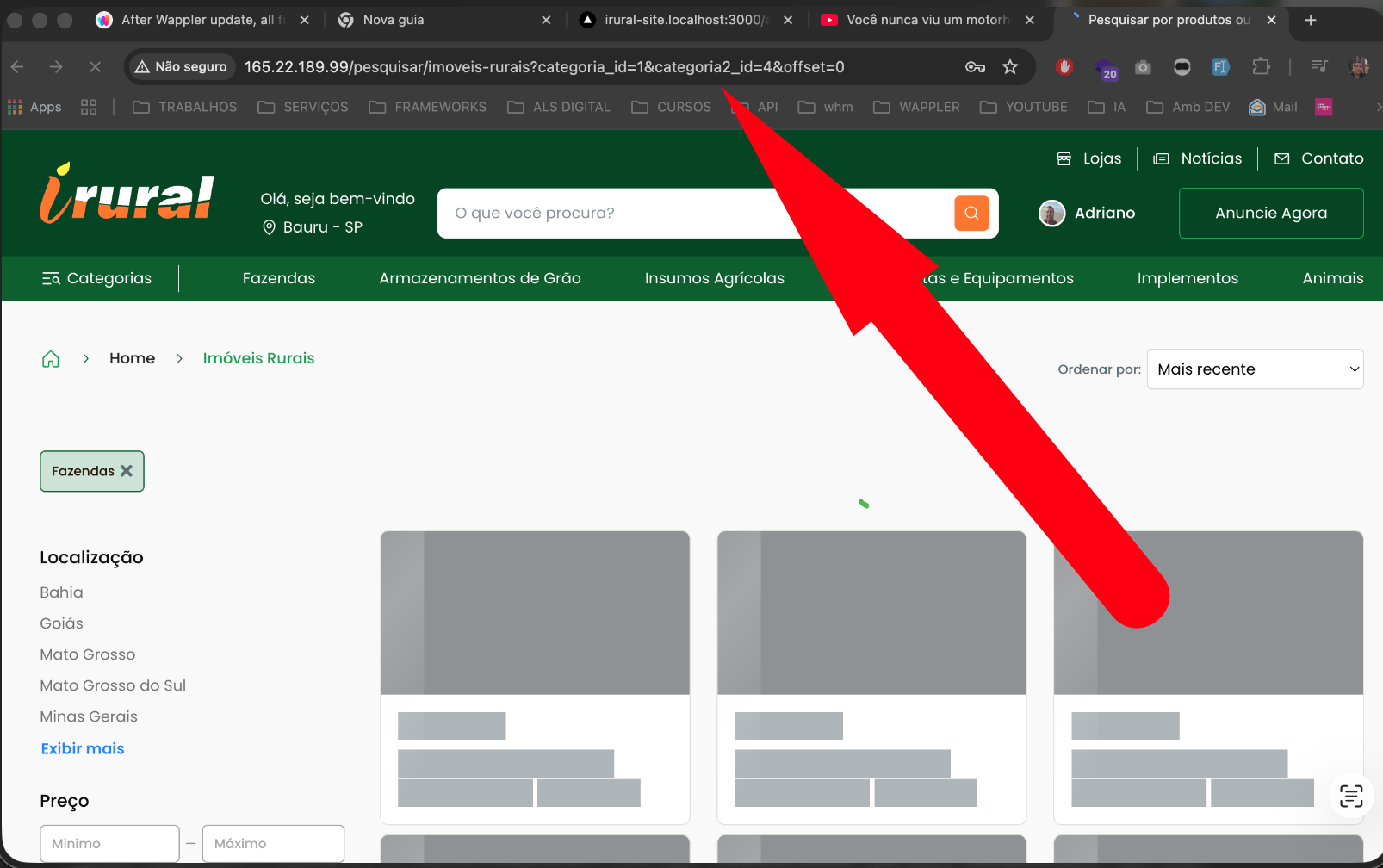
From what I understand, the issue is that I can’t pass parameters in the URL without the page automatically reloading when using the Query Manager. Before, I could pass parameters and the page would not fully reload — now it refreshes as if I pressed F5.
Obs. This is happening across the entire site, not only on this specific page.
I checked the site and did some debugging. What I found is that the updated event on the select menu_sel_categorias is triggered and that calls the navigation. Instead of the updated event use the changed event, that should only trigger if a user changed the value and not if a binding updated it. Also set the second parameter of the goto method to true for internal navigation, this prevents a full reload and loads only the view.
I noticed you checked the mobile version — could you please verify the desktop version to analyze the errors? The mobile behavior is intentional, but on the desktop version you will notice the filters do not work: every time I pass a parameter via the URL the site performs a full refresh. This behavior is wrong and did not happen before the update.
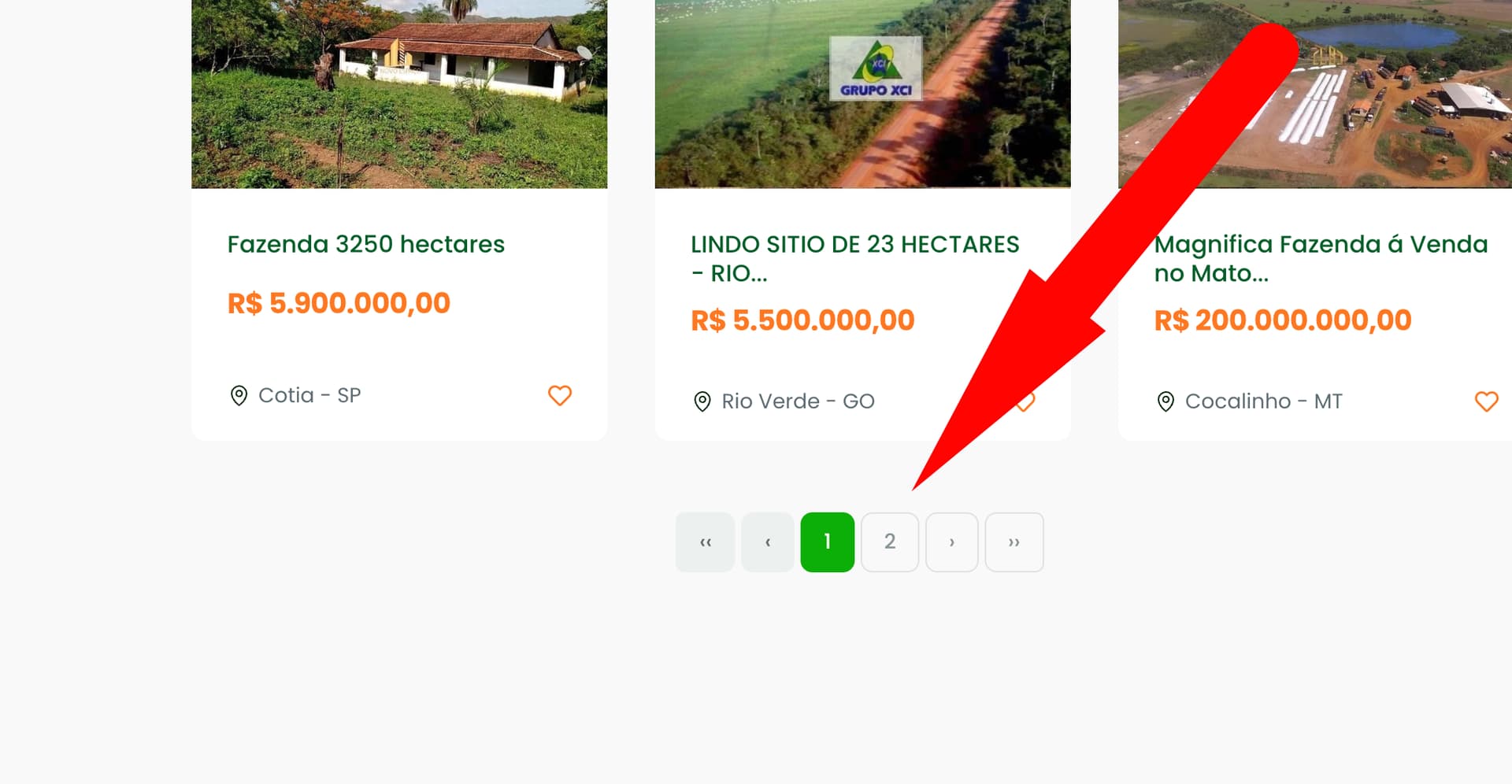
Please also test the pagination on desktop — when I click page 2 it goes back to page 1 or doesn’t change, because the refresh removes the parameters.
Note: test the desktop version.
Thanks again — I will also try your suggestions (changed instead of updated, and goto(..., true) for internal navigation), but I need you to verify the desktop behavior.
I am testing the desktop version, the select is still causing the issue.
The select is located in the offcanvas. I think it is on the layout page. I don't know why it is triggering the updated event, it happens when query.categoria_id is being updated. It probably is some racing condition that it is unset for a millisecond before being reset to the previous version again when you are updating the query state manager.