Is there a way to adjust the tab size in code view? My code gets squeezed if I have both panels open.
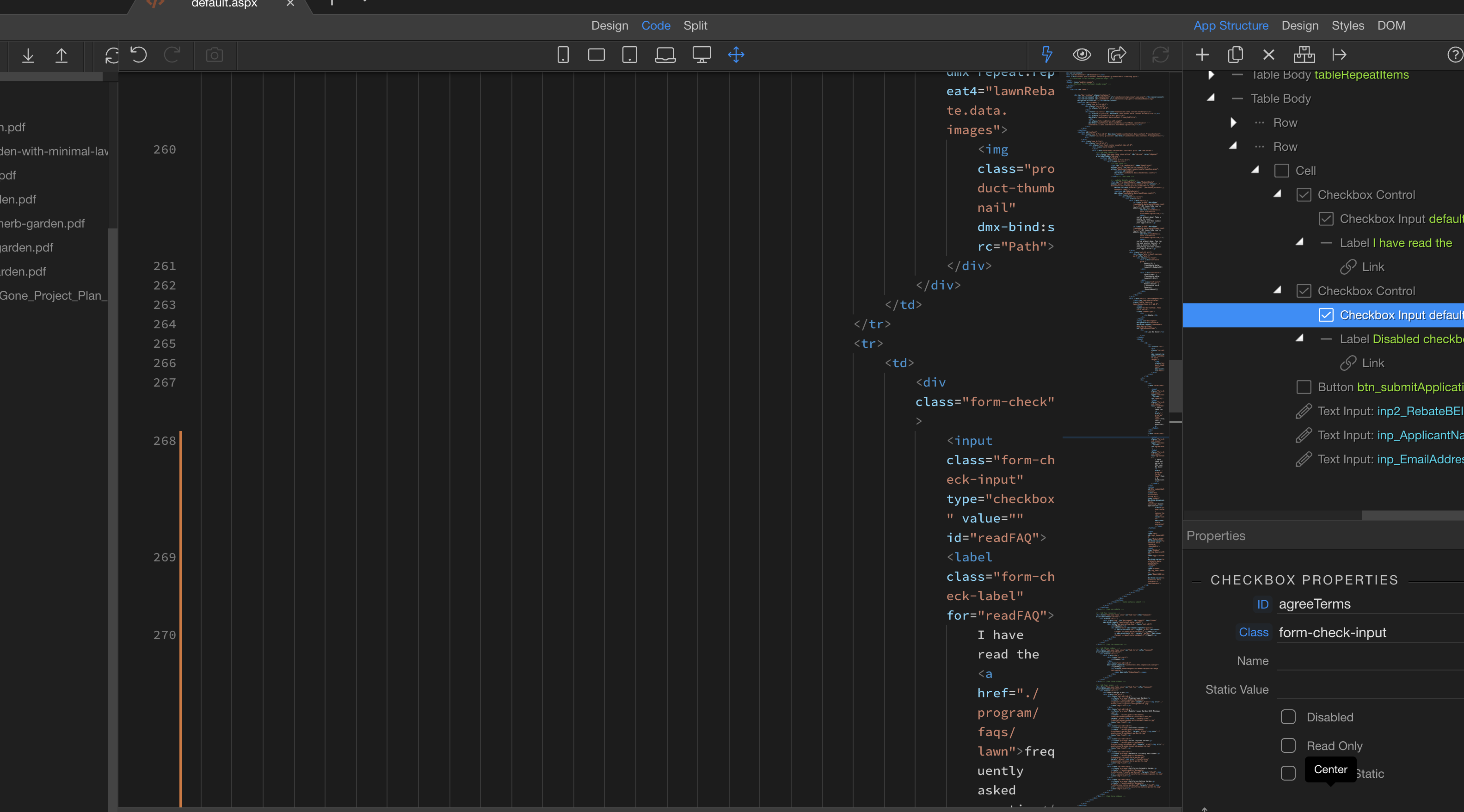
You an close the App Connect panel from here
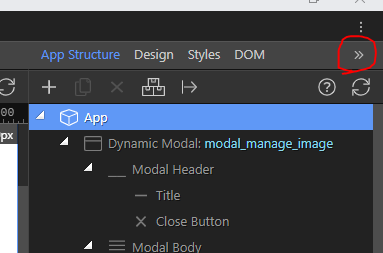
deselecting all icons in Server connect closes the left panel
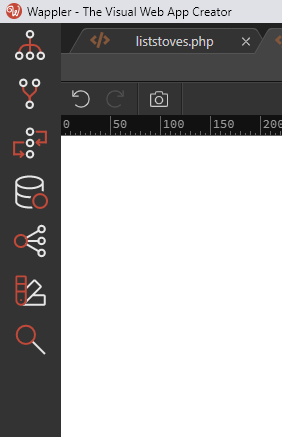
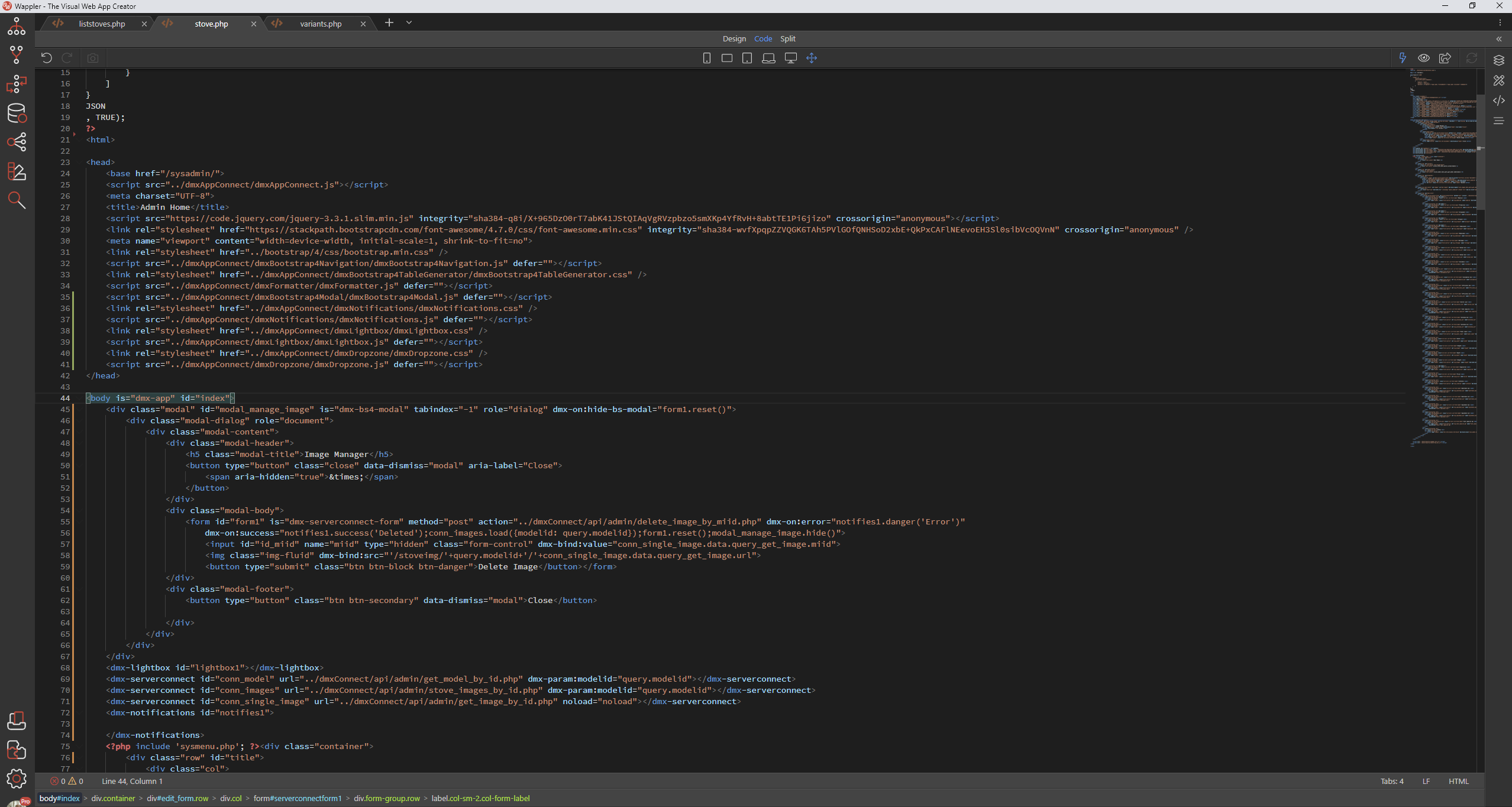
This allows code view at full screen
EDIT: Sorry just read your question again, this is probably not what you were looking for
As tab size is only 4 characters i dont think it could realistically be made much smaller and still do it’s job however you can reduce the font size in the settings, depending on your screen res which allows more code to be seen. Default is 14px, i tend to run at 10px or 12px depending on monitor

Thanks, both suggestions were very helpful!
In the latest Wappler 3.0 rc.3 we have added more global indentation options. So you have more control.
3 Likes
Thanks George, you and your team continue to amaze me. I am so grateful for your product and all you guys have done for us.
2 Likes
I had no idea I needed this. It really helps! Thanks for adding it.
2 Likes
Are we talking about these options?
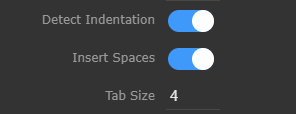
and they are supposed to change these indent spaces?
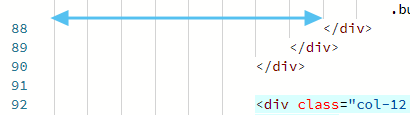
I have played around with these and they don’t seem to make any difference.
Tab size … default is 4 characters. May have to close file and re-open it to see changes.
Nope, still no change 
Strange, I changed mine to ‘2’ and closed the file and re-opened it and the indents were only two characters.
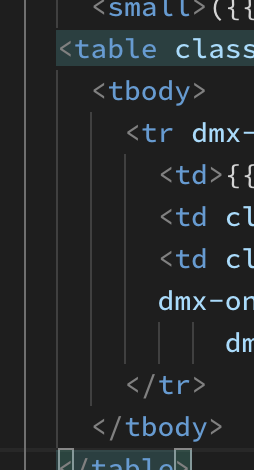
Just done it all again… worked this time. Must have missed something! It’s late, time for bed 
1 Like
Disable the Detect Indentation if you want to change existing files, default it will detect the indentation in the file if that is turned on and the specified indentation is only for new empty documents.
1 Like