OK Thanks. I’ll continue trying to get this to work for me.
Just a suggestion… When you select a Connection Name from the Properties/Connection dropdown, can this not pre-populate the Database Connections screen with data initially entered for recurring selections of the same Connetection Name? Would save having to type it in everytime you add an insert/update/upload/delete action step.
Unrelated to this topic line but after you add more fields to the MySQL dB, how do you refresh the Database Query Builder to recognize the additional fields when you select the dB from the + dropdown?
The opening frames in the vid show a connection data already filled in from a previous step. Then as I add another server action and add another dB connection, the Connection Options will not let me go any further unless I fill in the connection data again. If I select the connection name under Connection Properties, can the Option screen be populated with the info I already entered earlier?
After following this thread, I was going to wait until an e-commerce extension was made available. But I thought trying to build one would be good experience learning how to use sessions and understanding better how to xfer dynamic info from one page to another. So…
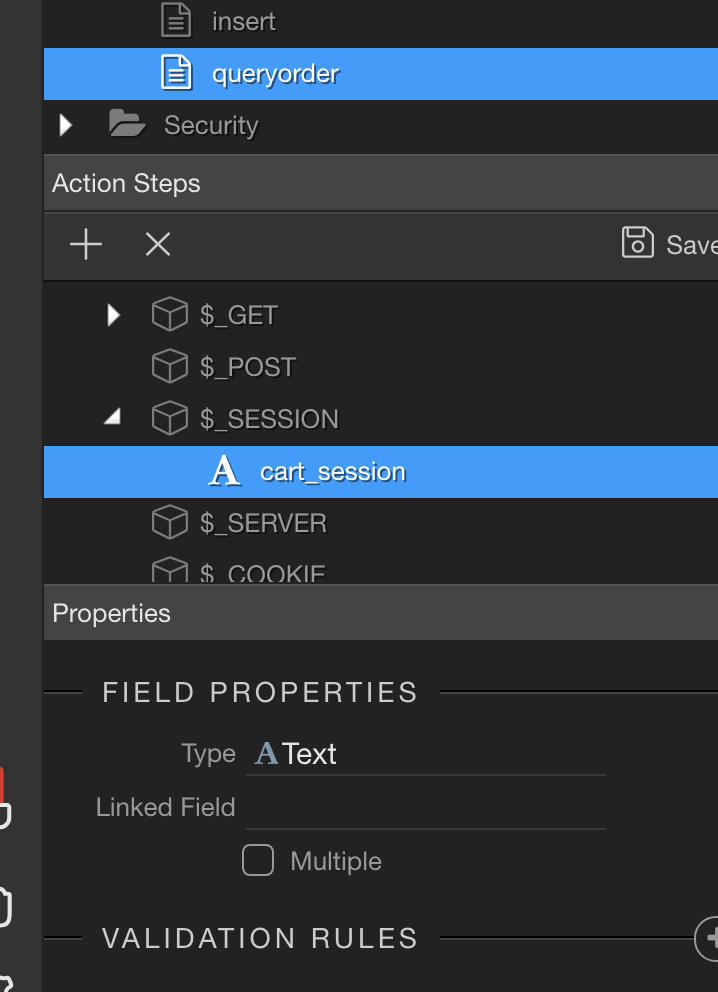
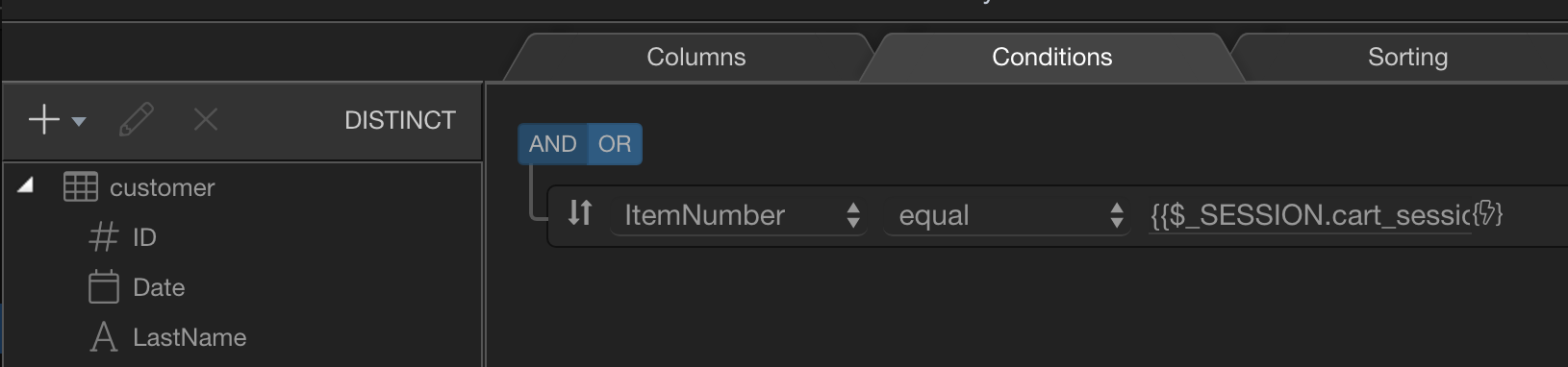
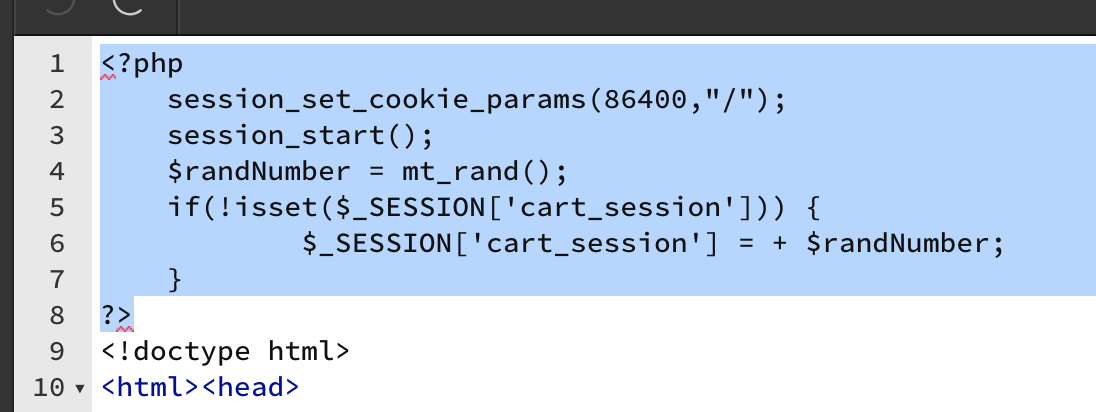
Per Teodor’s note above, I added a session variable to my server connection:
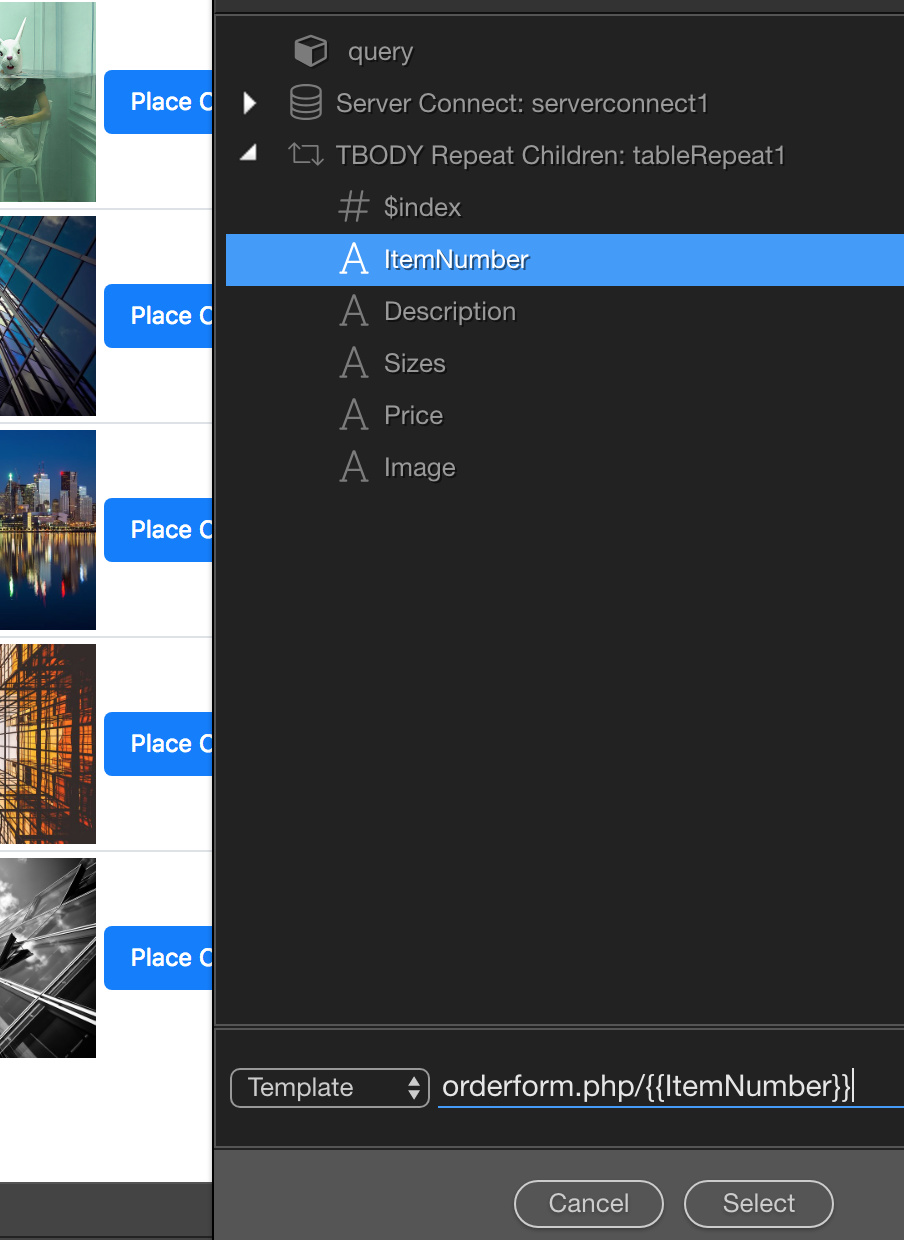
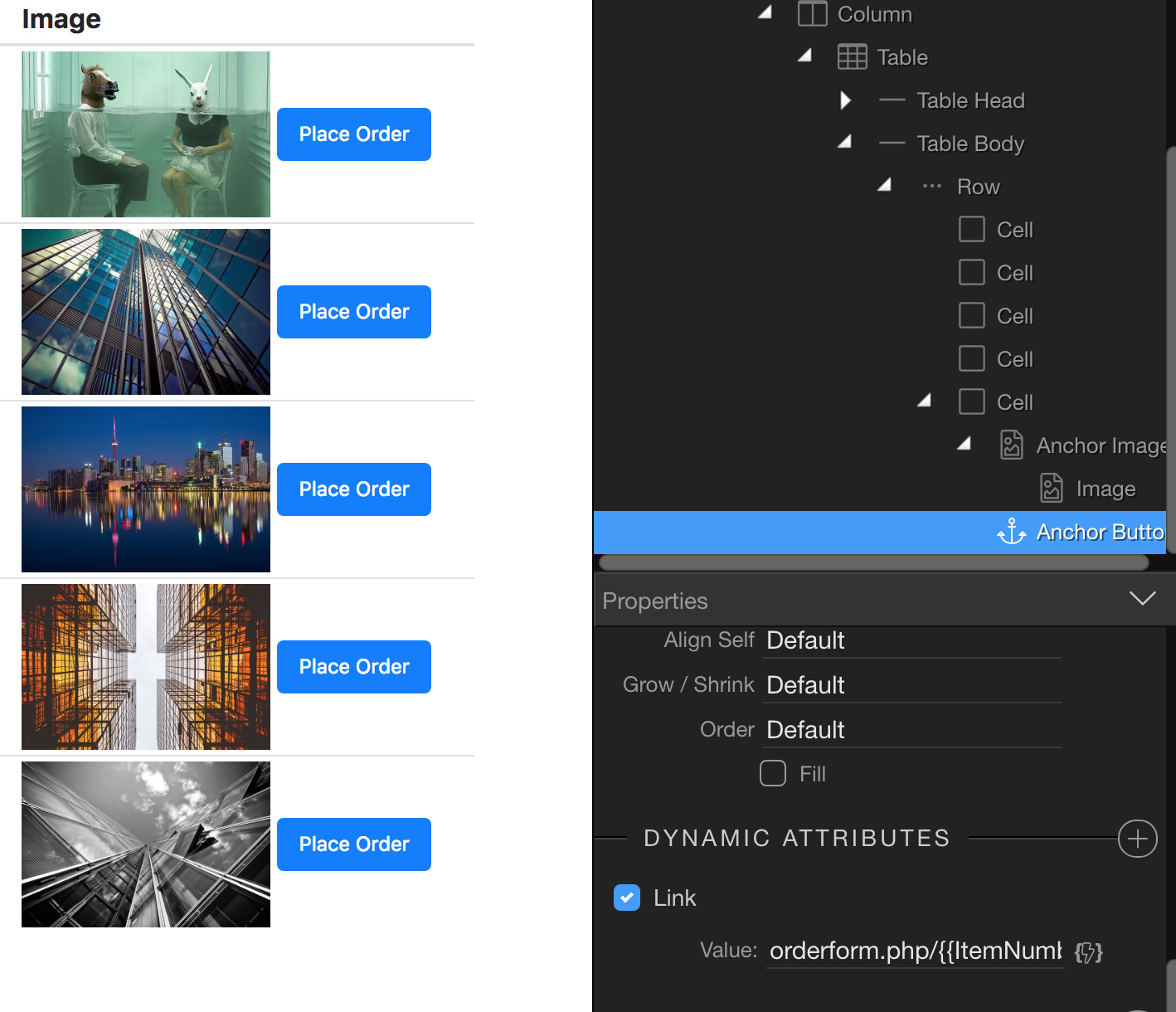
Then I opened my gallery catalog page with repeating data rows and looked for a way to have the catalog item info set in session state and be carried over to the orderform. But here’s where I hit a dead end. The button, as shown in the capture, captures the Item Number OK (which I’m using as my unique identifier) and appends it to the URL as it opens the orderform page.
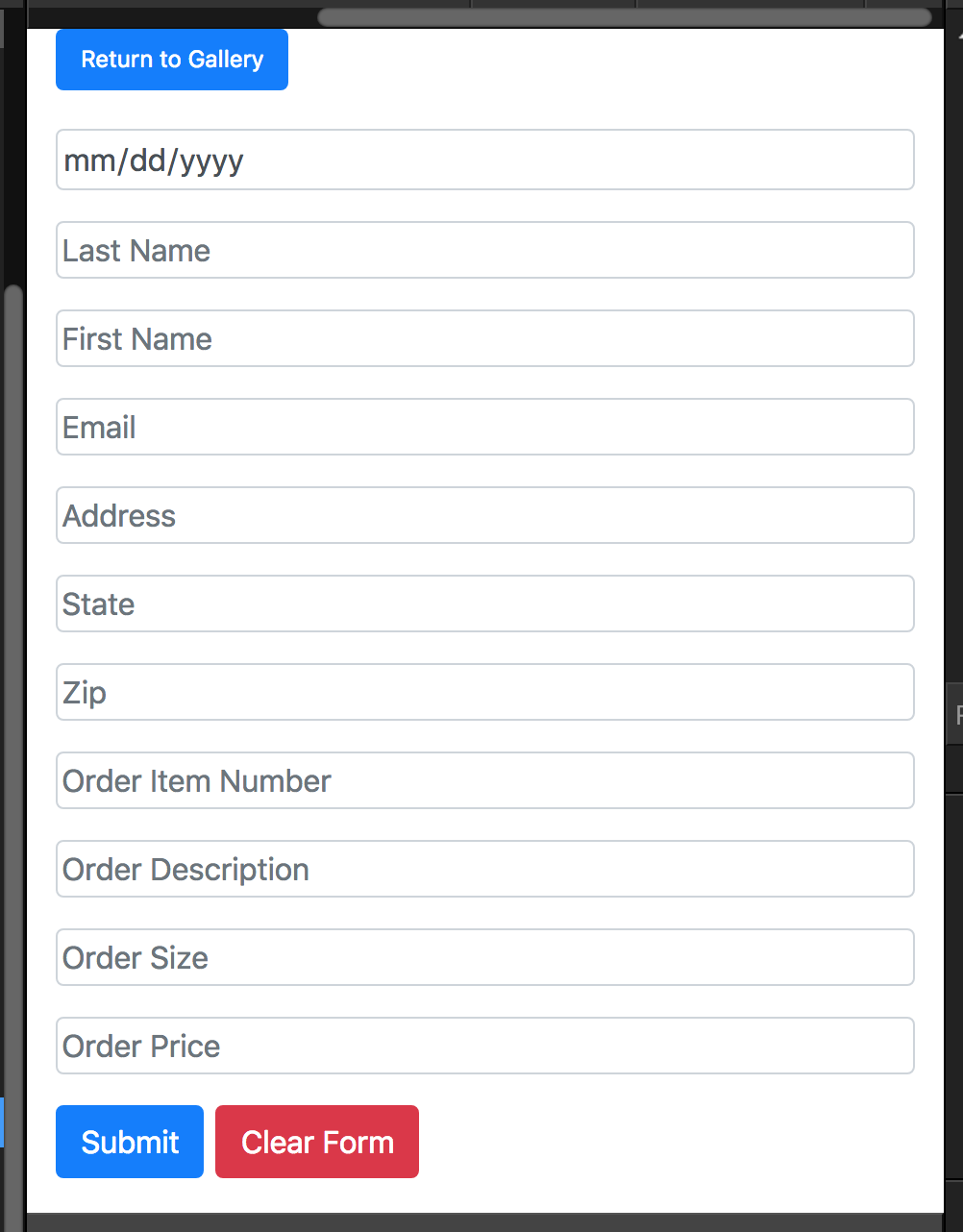
Now what needs to happen, and where I need a lot of direction, is how to get the related data fields in the orderform be populated with the user-selected catalog item info so it can be inserted into a MySQL dB -AND- send an order email notice to the site owner.
Any suggestions or help to chip away at this challenge would be greatly appreciated.
My test site is available for review at: http://statecollegedev.com
I know this topic is now over two years old and still no Stripe tools. I can only assume that it is not coming at all. So, back to my original question. Can I build the site in Wappler and then safely move it to Dreamweaver to add the shopping cart integration using the DMXZone extension?
My time is running out. I have to redo the site and after doing it for ten years for them I would hate to say I can no longer do it. I have been putting them off for more than two years.
I have already read that tutorial many times. Not helpful for someone like me that knows nothing about Stripe integration. Doesn’t even say where to get the products from or how to add to a cart or anything.
Believe me, I have gone through all the Stripe tutorials on this site as well as Stripe. They make no sense.