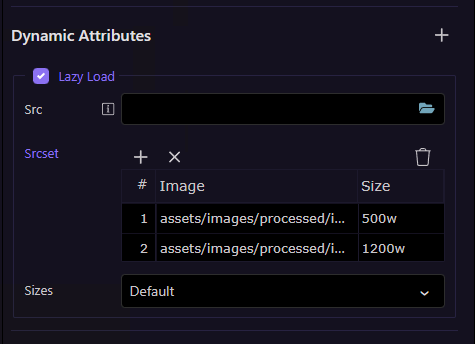
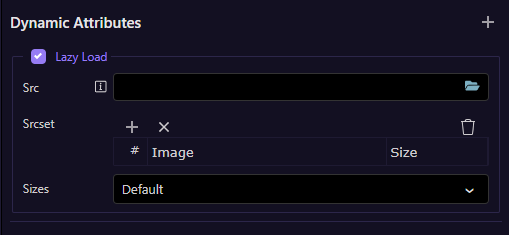
Wappler’s Image component currently only supports a single src, which makes proper responsive images harder than they should be. It would be great to have native UI fields for:
srcset (multiple image variants with width descriptors)
sizes (optional, for layout‑based selection)
This would massively improve responsive workflows, performance, and Lighthouse scores — and avoid having to hand‑edit code that breaks Design View.
Even a simple multi‑row input for srcset + a text field for sizes would be a huge upgrade.
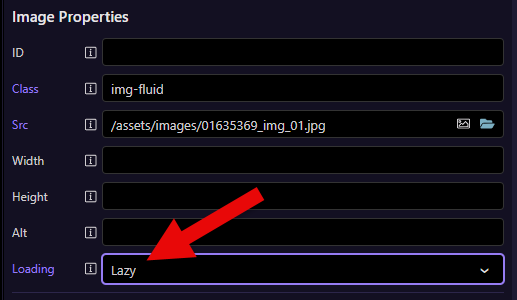
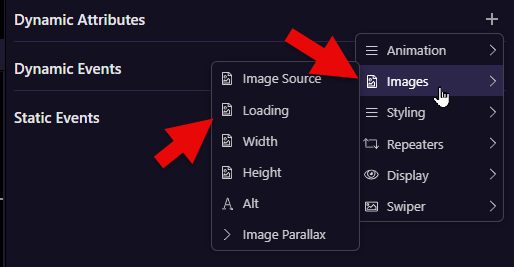
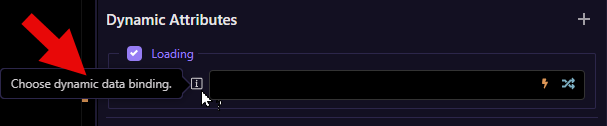
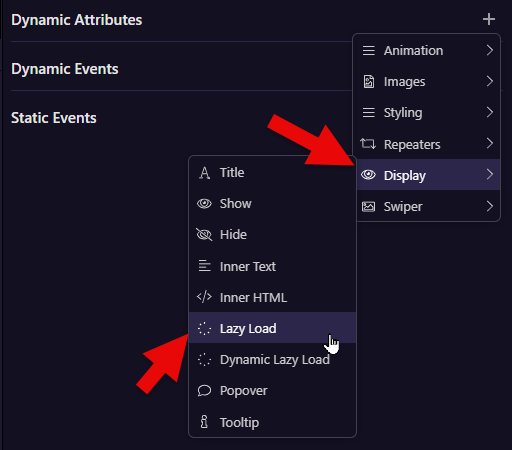
From your illustration I now know that I need to choose Lazy Load to get to where I want, full well conscious of the fact that I had already chosen Lazy Load under Image Properties.