Hello,
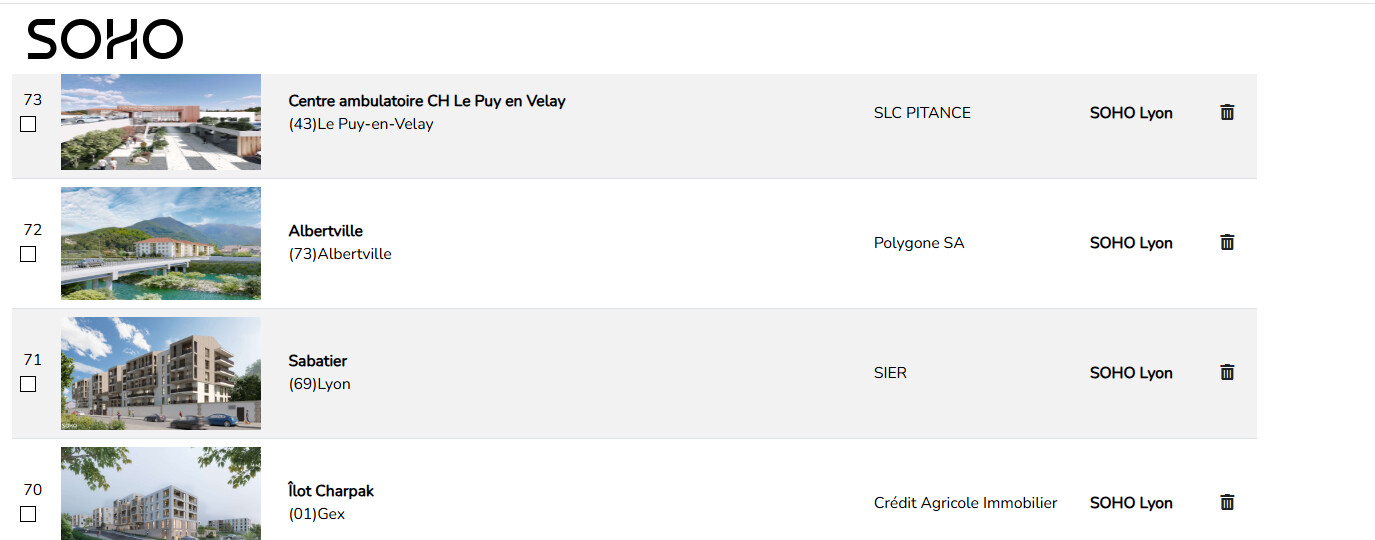
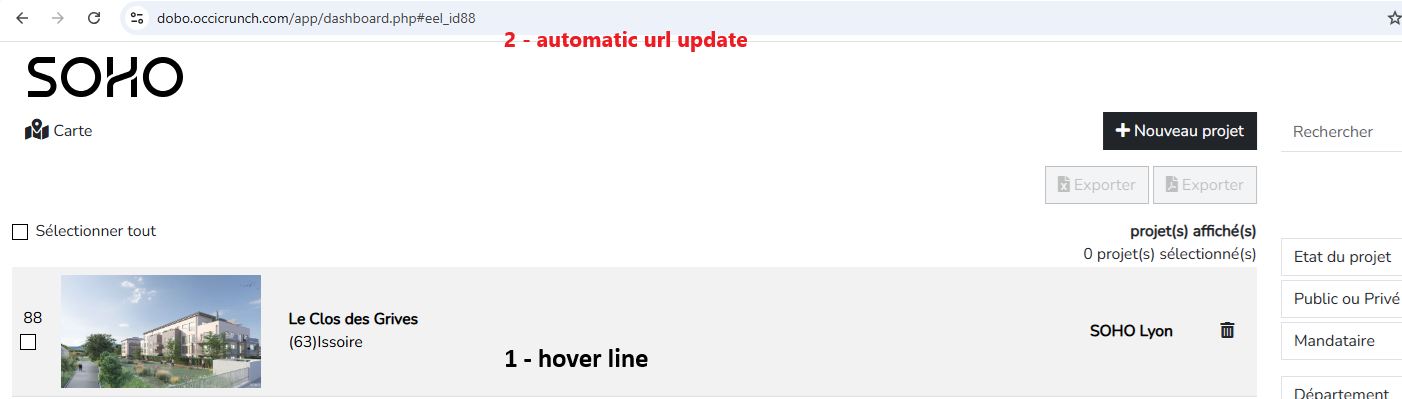
I have a table, I want that for each line of the table the id of the line example: eel_id88, that the url changes to index.php#eel_id88 how to do it, it works on fixed id but not dynamic ones
Thanks
Hello,
I have a table, I want that for each line of the table the id of the line example: eel_id88, that the url changes to index.php#eel_id88 how to do it, it works on fixed id but not dynamic ones
Thanks
View this video at 19:44.

Hello, thank you, but the creation of my dynamic id is not the problem, it works very well but I do not know how to add the #id behind my page url when I go down in my table, this should be possible, this will allow me when changing pages and going back to reposition myself at the place where I left the page, I will take screenshots to try to illustrate my problem
It's possible @Teodor ? thanks
I don’t really understand what you’re trying to do.
imagine I have a summary, and I have chapters in my index.php page, I wanted to click on the title in the summary to reach the right chapter, for this we use anchors and the url becomes index.php#chapter1 for example., I want to do the same thing when hovering over each line of my table I want the url to be url#idofthelineofmytable
So what's the issue to do the same you do with on click bu on hover? Sorry i really can't understand what the issue is here.
how to add #eel_id in my url I can't find how to do it with wappler from a repeated region
example: index.php#eel_id13
Well just build a dynamic url:
'dashboard.php#' + dynamic_expression_here
same as any other dynamic expression you create in Wappler. Use the dynamic data picker for that.
I need #eel_id to be added in the address bar, is this possible?
and that the address bar updates each time I hover over a line in my table
Finally I managed differently, I memorize the position of the scroll
<script>
        // Fonction pour mettre à jour la position du scroll dans l'URL
    function updateScrollPosition() {
        const scrollPosition = window.scrollY;
        const url = new URL(window.location);
        url.searchParams.set('scroll', scrollPosition);
        window.history.replaceState(null, '', url);
    }

    // Fonction pour restaurer la position du scroll avec un délai
    function restoreScrollPosition() {
        const url = new URL(window.location);
        const scrollPosition = url.searchParams.get('scroll');
        if (scrollPosition) {
            // Ajouter un délai pour s'assurer que la page est bien prête
            setTimeout(() => {
                window.scrollTo(0, parseInt(scrollPosition, 10));
            }, 1000); // Délai de 200ms (peut être ajusté)
        }
    }

    // Écouteurs pour gérer le défilement et la navigation
    window.addEventListener('scroll', updateScrollPosition); // Mettre à jour la position dans l'URL
    window.addEventListener('load', restoreScrollPosition);  // Restaurer après le chargement complet
    window.addEventListener('popstate', restoreScrollPosition); // Restaurer après navigation dans l'historique
    </script>
I assume that the ID is available in the Summary page. In which case you could use the on-click event to invoke the Browser component go-to function.
Not sure what you mean by the on-hover event.