Add a number to a variable when I press a button

Hello, I would like to know how to add a number to the right of the value of a variable and update this variable with the new value.

example at the start my variable is empty, when I click on 1 my variable goes to 1 when I click on 2 my variable goes to 12 then I click on 5 and my variable goes to 125

thanks in advance

Hi,

You can convert all your numbers to string (I believe there’s a formatter for that), and then just use the + operator to append the numbers

2 Likes

hi, I can’t find the transformation to text

Oh, so in that case you’d need a customer formatter .toString()

Let’s try an alternative, try this in the code view:

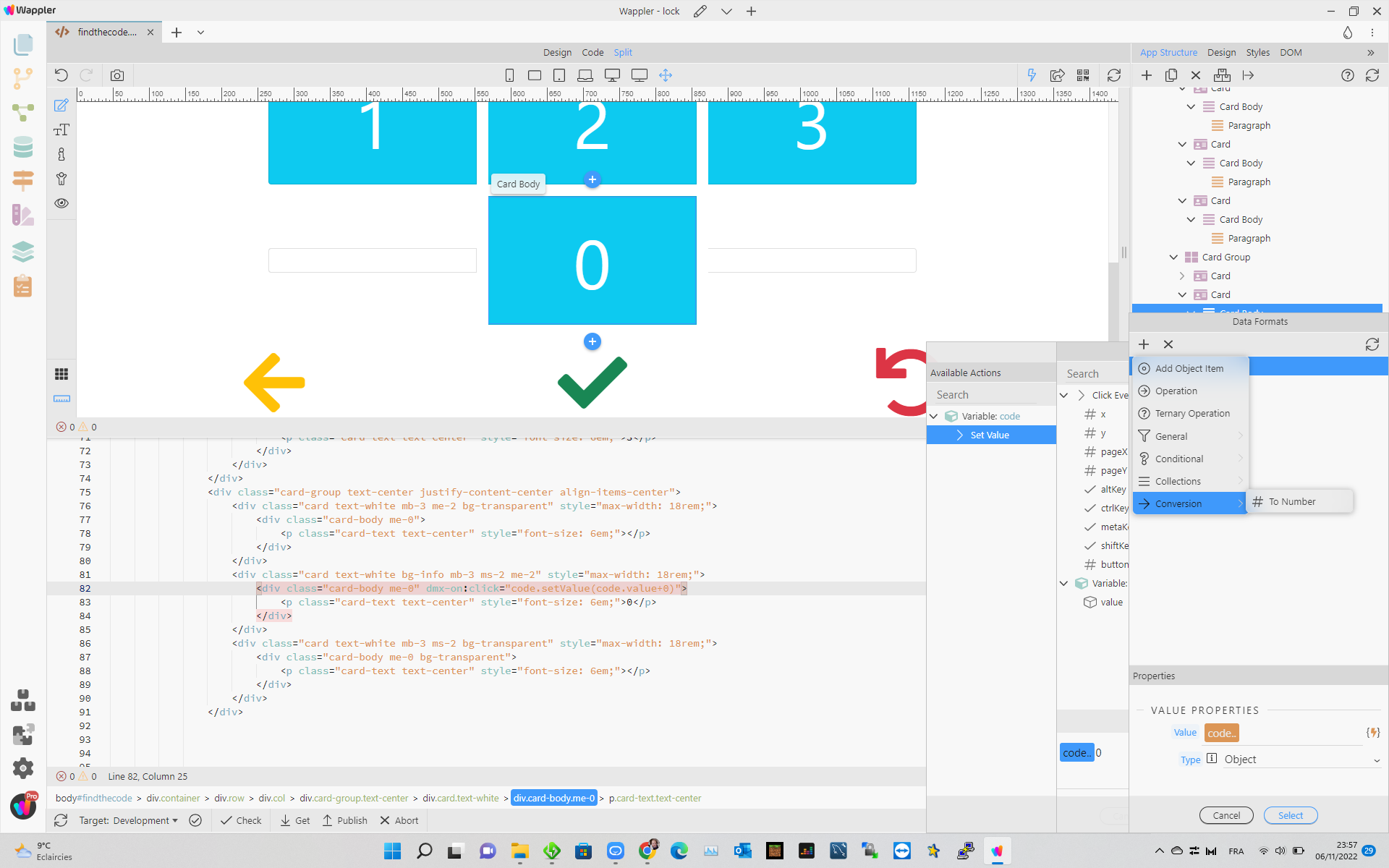
code.setValue(code.value + '0')

I added '' around the number - that should make it a string

Thank you perfect, I also had to remove null in the display because otherwise it would appear in front of the numbers. small question do you have an idea how to remove the last digit of the variable
thanks in advance

Can you try using the Sub (substring) formatter?
Screenshot

Assuming code is a string (a consequence of clicking the buttons), you can use the substring formatter to get the string from position 0 to the length of code minus 1 (to exclude the last character). If -1 doesn’t work try -2
Hi Apple,

It doesn’t seem to work do you think the code is correct

dmx-on:click=“code.setValue(code.valuesuppr:code.value.substr(0, code.valuetaille.length()-2))”>

Have you built this expression using the visual editor? It seems a bit weird, e.g.: code.valuesuppr:code(...)

Try this:

dmx-on:click=“code.setValue(code.value.substr(0, code.value.length()-2))”>
// or
dmx-on:click=“code.setValue(code.value.substr(0, code.value.length()-1))”>
1 Like

Thanks, it’s correct : dmx-on:click=“code.setValue(code.value.substr(0, code.value.length()-1))”>

1 Like