Hey,
I work on Windows 10
Before a while I went form 6.0.5 to 6.1.1 (that was the installation prompt…).
That was OK.
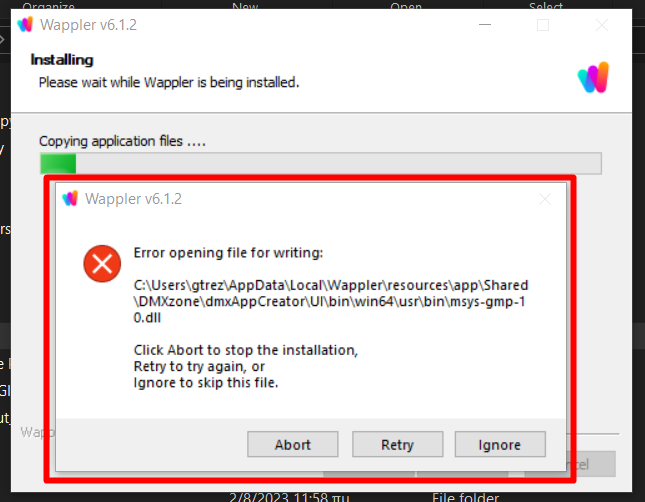
Right after the installation, when wappler opened I show a new installation prompt for 6.1.2.
I clicked and got that error
Retry does the same thing…
What would be the best option: Abort or Ignore?
Or no matter what I do I can just reinstall the last version and all my files will be updated???
I got a backup folder (on my hard drive) of my project right before upgrade to 6.1.1
So, here is what I did because I had to work and couldn’t wait…
I clicked Abort and installation was camceled.
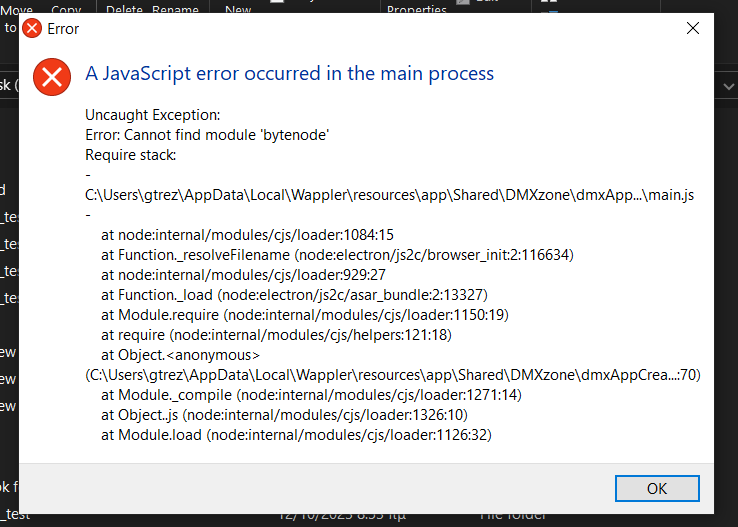
Tried to open wappler and I just couldn’t:

Then downloaded the last version 6.1.2 and after closing any other program (browsers and antivirus included) I tried to Install again…
Then again the same error alert came up but noe saying that coudn’t write/find unistall.exe…
Clicked ignore, then another 15-20 alerts about various .dll files (Error opening file for writing) also clicked ignore on ALL of them and finaly installation was successfull…

@Teodor, @George, @patrick
IS THIS HAPPENED ONLY TO ME (and my pc/setup caused it) OR WE HAVE TO CHECK IT??
If it is only me, its better to delete and unlist my threat…
And now, I open Wappler on 6.1.2
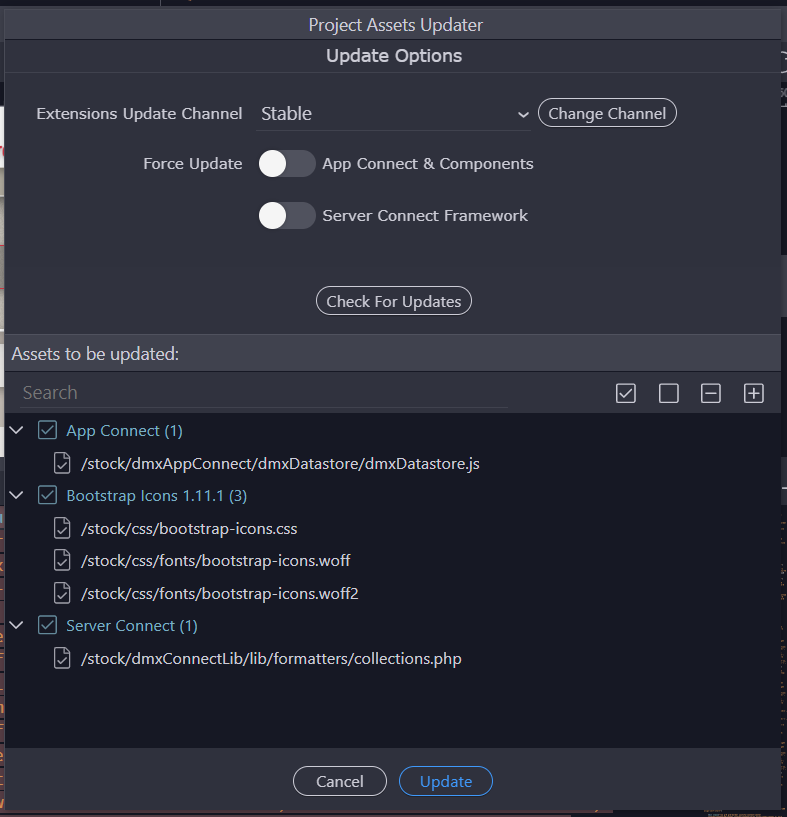
And find again files to be updated:
I mean… 6.1.2 was released just 13hours ago and there are files to be updated???
Is this normal?
I believe it depends on the components being used in a project and whether there is an update of those components between the two versions.
OK but I just installed the version released 13hours ago… Should be all included I suppose.
Anyway, the installation was a nightmare…
@guptast have you installed 6.1.2 normaly? (without any issue)
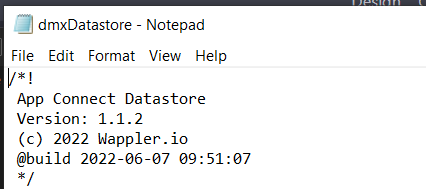
my current dmxDatastore.js ( 6.1.2 installed)
Perhaps the complete package didn’t install correctly on your PC in the previous attempts.
Yes, I have upgraded to the latest v6.1.2 without any issues (MacBook). However, there was no message to update any files in the projects.
1 Like