Thats a great idea George, it'd save a lot of time having to either click undo multiple times or go back to a Github backup. During my testing I rarely get the correct code change so have to try again, or I may think of a better AI prompt so end up starting again - having an undo button would make a big difference.
Btw now with the chat mode you actually don’t have to undo the changes but just apply them and if they don’t work or need refinement just say so as a follow up prompt in the chat panel and the AI will correct the code for you.
So just keep the conversation going till the code is perfect.
2 Likes
Just write a ticket to github. Explaining the problem with early version of Wappler. They will restablish
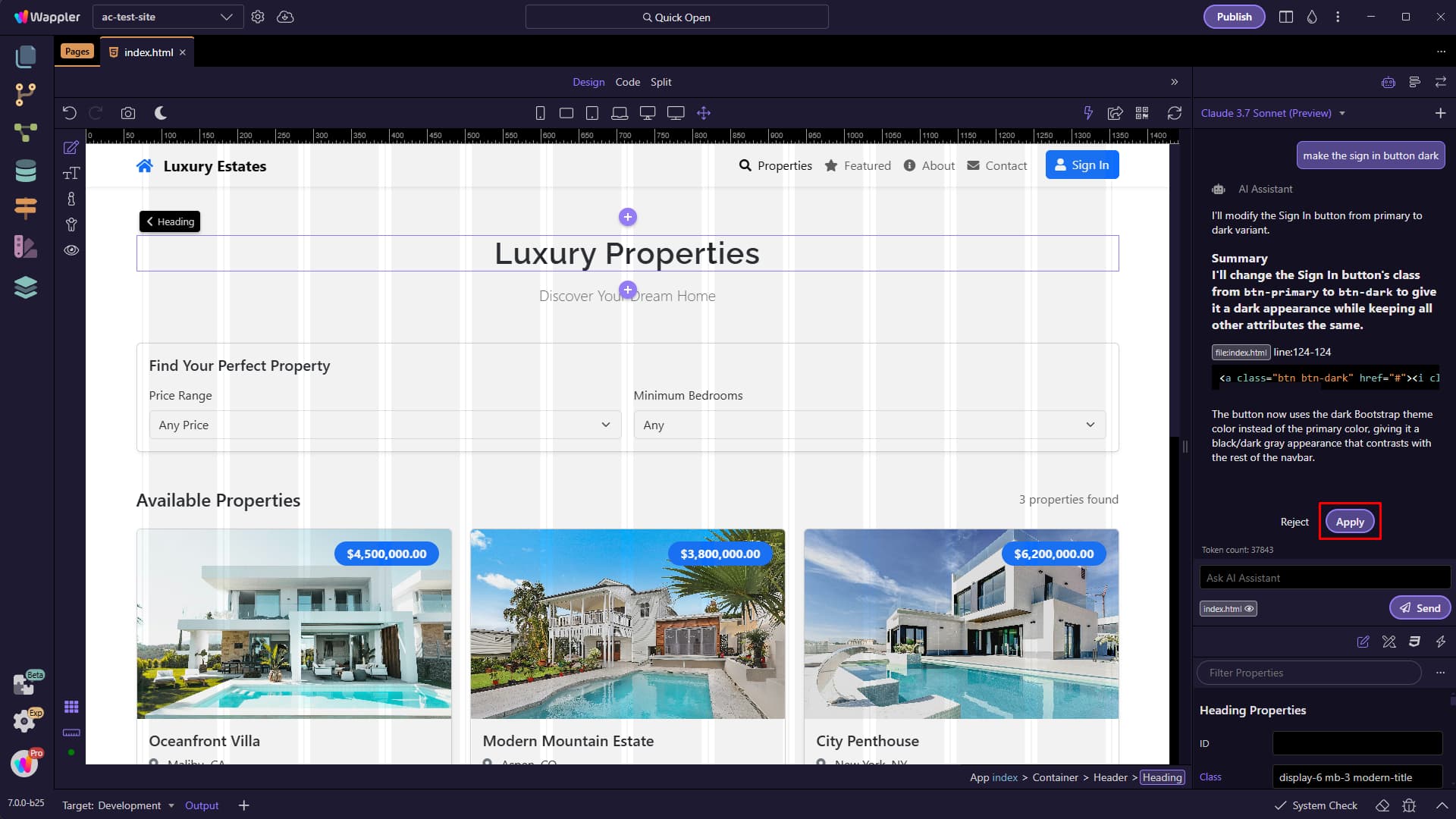
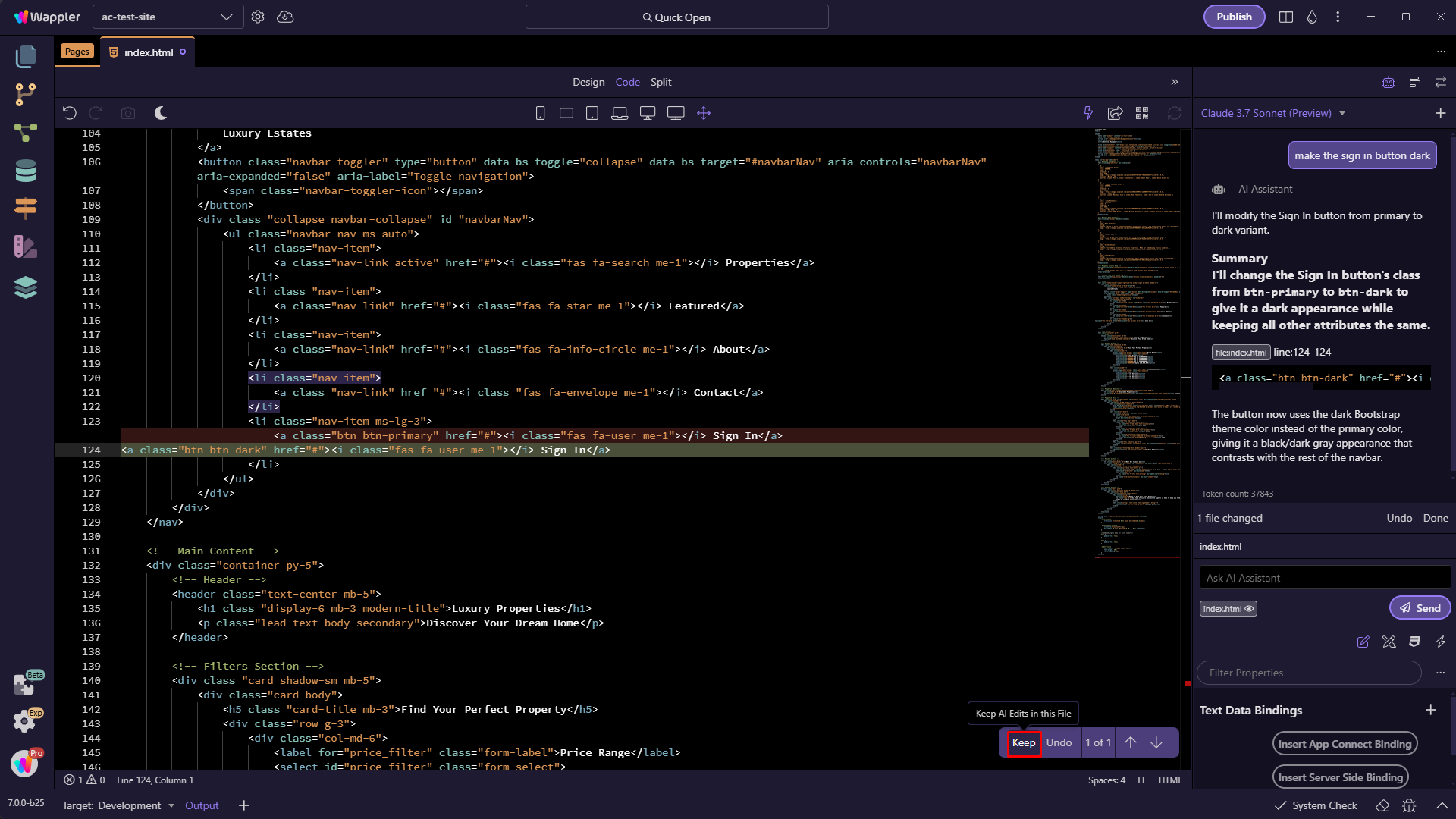
In the latest Wappler 7 beta 25 the AI Assistant chat panel has been improved with better styling and a new inline toolbar for the AI. When you apply the changes in the AI Assistant, they will now also be reflected in the code editor, allowing you to review and cycle through them using a specialized floating toolbar.
Apply or reject the changes in the AI Chat panel:
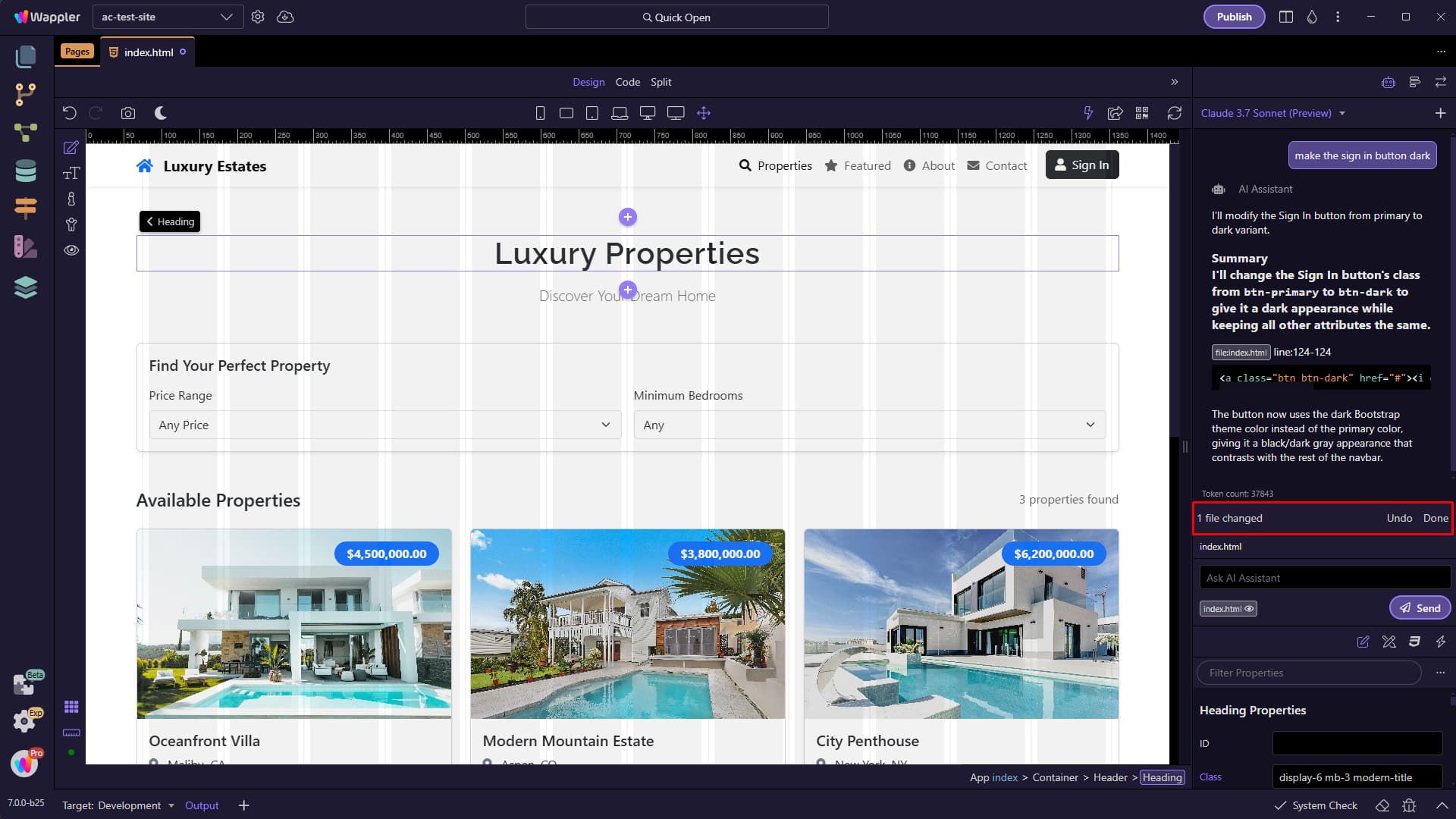
You can choose Undo in order to undo the last changes or Done in order to continue with the chat:
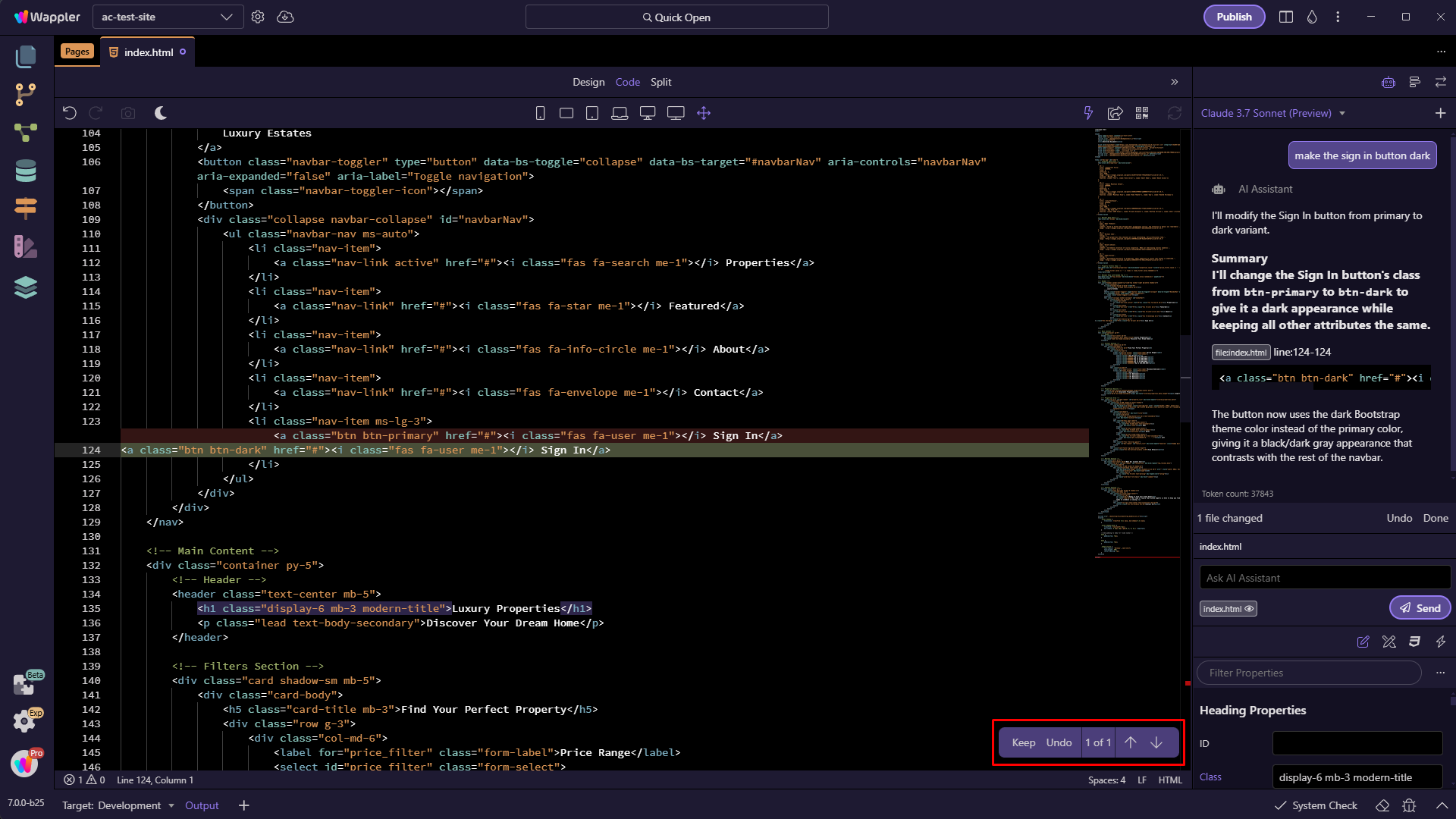
Switch to code view and you will see a diff toolbar allowing you to keep, undo and review the changes one by one:
The changes are visible in the code editor:
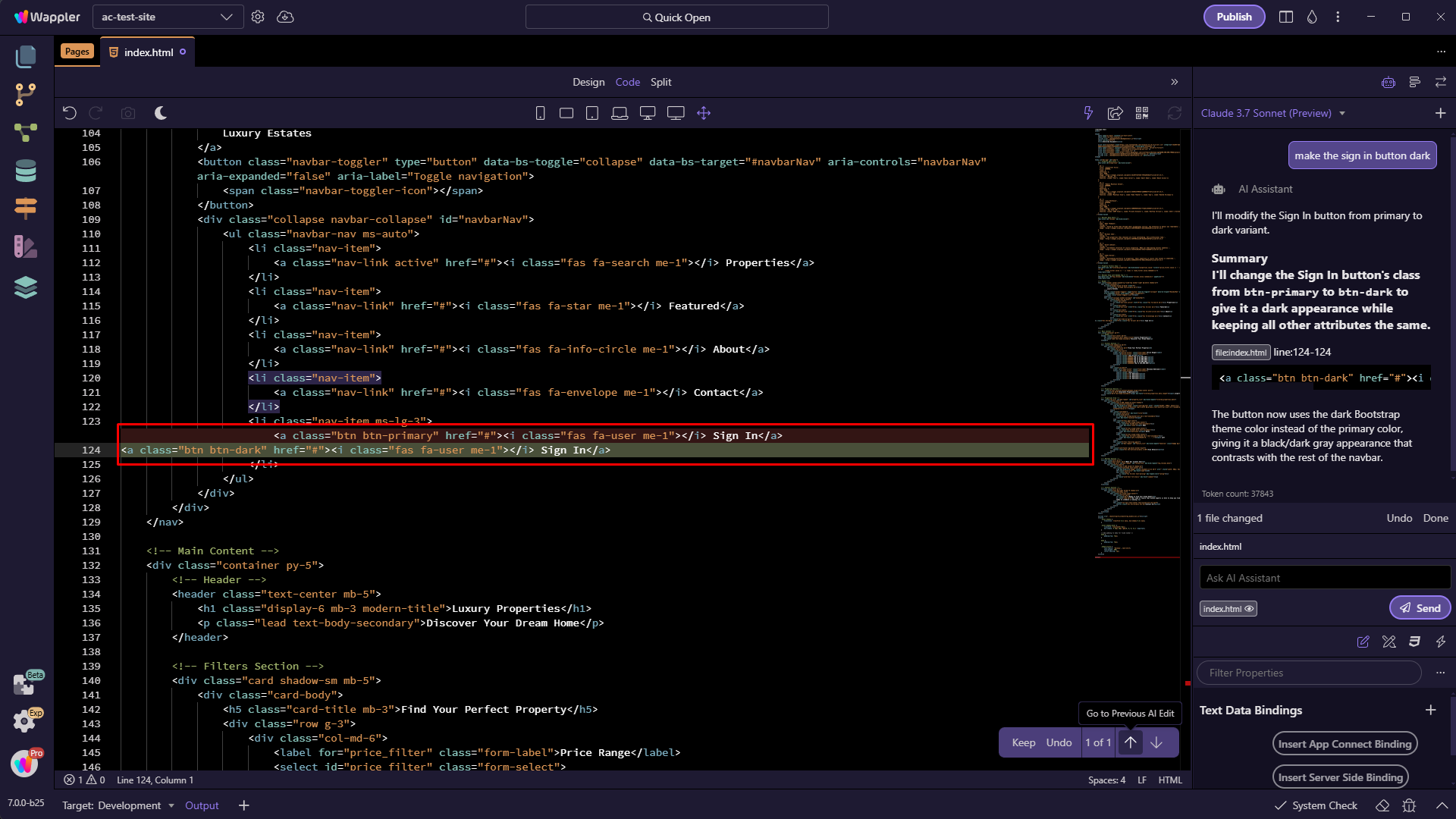
You can keep or undo a change using the diff toolbar:
9 Likes
I hit quota issue
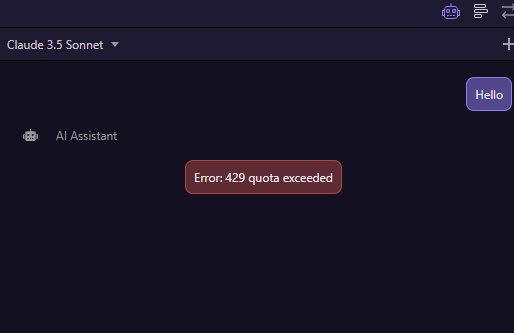
What should I do?
Hi @phan
You will need to either wait for a couple of hours (possibly up to 24 hours) or register with a service like Open Router and top-up with credit and use their service rather than Copilot. Minimum credit purchase is $5.00 on Open Router. Wappler now allows for the use of Open Router as a provider. It is a great service and opens up dozens of other LLMs you can select from.
Details of how to connect to Open Router are above.
Which provider are you using and what did you ask the AI assistant to do, before hitting the quota?
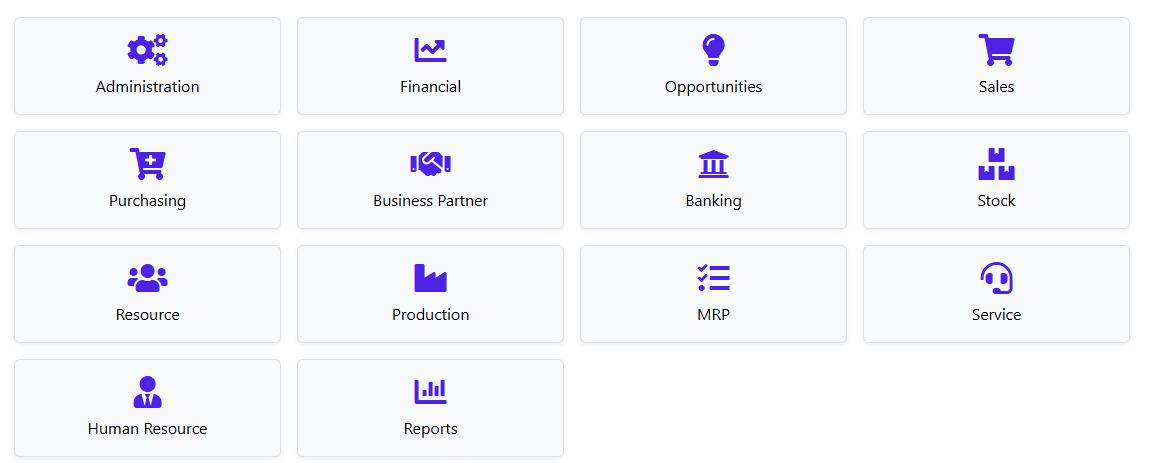
I ask Ai to generate many many pages of front-end pages , changing design to fiori based on bootstrap etc.. Is it I over used?
Attached is one of the page. I have generated many many more. Close to 40 pages .
Are you using the free version of github copilot or the paid one?
Free One.
I try to OpenRouter with Deepseek,
But after generating, no apply button to apply those changes. So is inconvenient
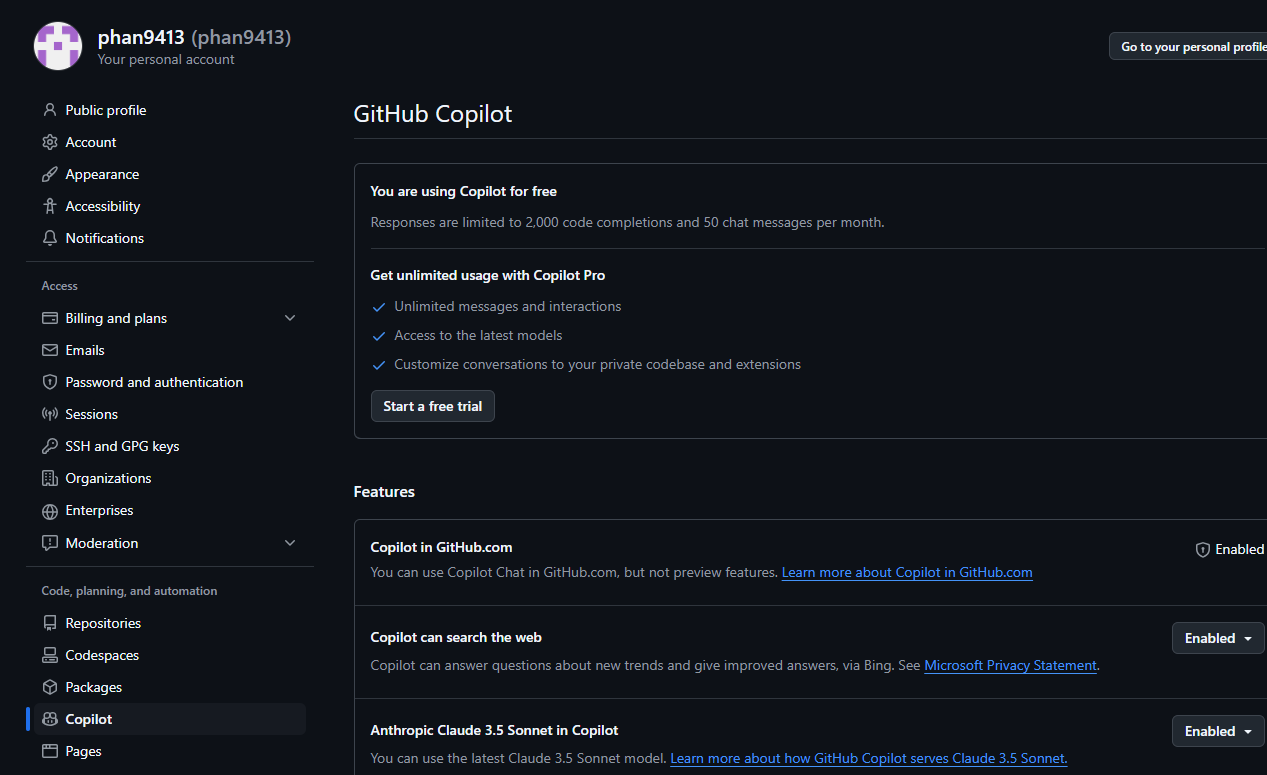
Should I got for Pro Version ?
Most probably you just hit the limits for the free tier.
Thanks for the Input. Than I subscribe for the Paid Version to try
Before you do, why not to experiment with open router and try the free models? Please mind, that new copilot pricing only allows limited premium module calls. And GTP-4o is, well, 4o. I'd probably subscribe to deepseek, Gemini or even 4o-mini instead.
more information about models:
and their usage:
1 Like
Thank you for the information. I have try deepseek but it never have a Button to Apply Changes like attached.
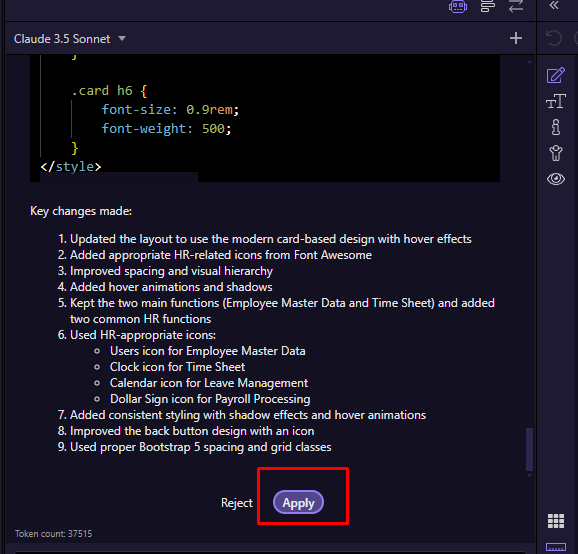
Or Maybe I miss out something? As this make my work easier.
It depends on the response from the LLM if the Apply button is visible, some models do not follow the instructions correctly and return the changes that needs to be applied incorrectly so that we don't detect them.
1 Like
Have you selected Open Router as your AI provider? Using Deepseek i have no problems applying changes
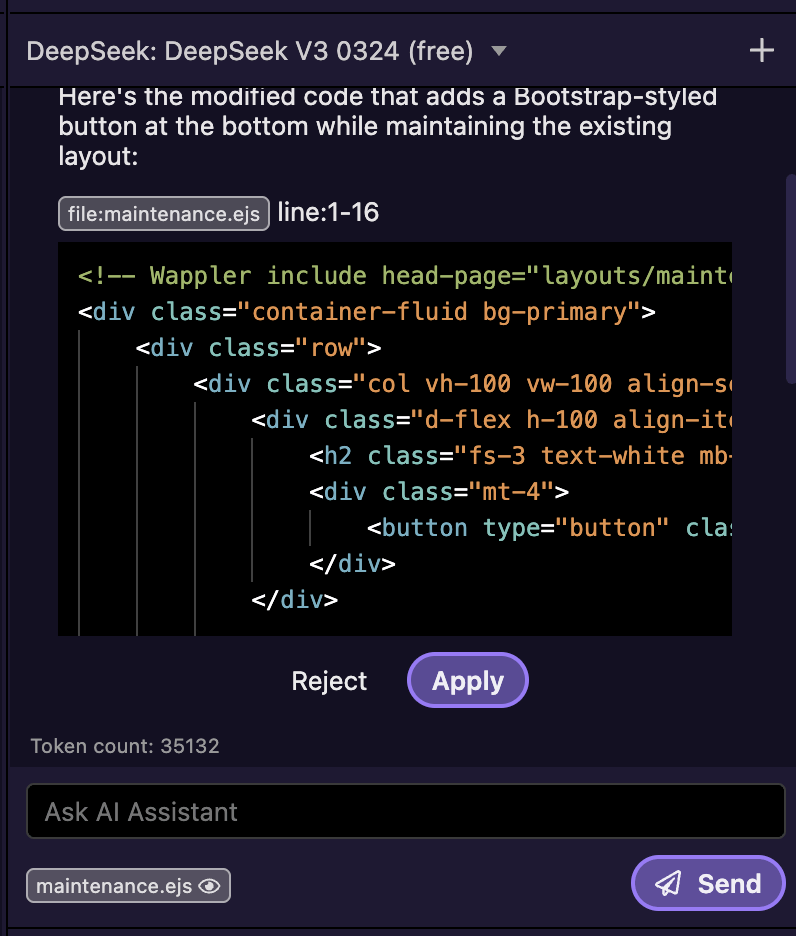
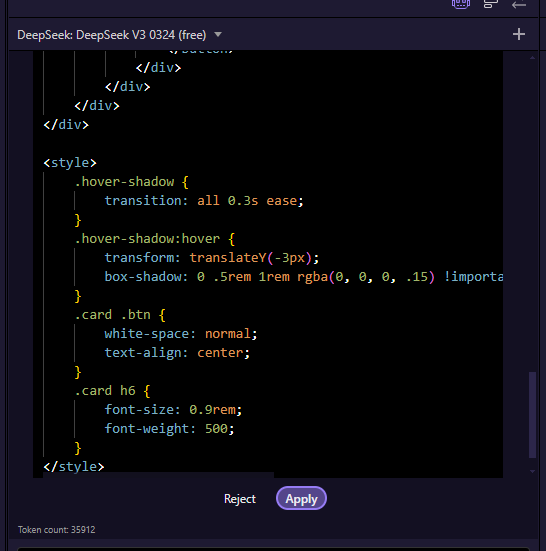
Any chance we can see this wonderful features?
Yes that is exactly what we plan to do.
Each editor has its own AI with the right capabilities.
- in design view - the AI is generating html and css
- in the database manager - it is generating schema
- in server connect editor - it generates server connect actions
So basically we have different specialized AI Agents for each type of work.
1 Like
Yes, these will come in the future. We’re working on them.
1 Like
Looking Forward... 
1 Like