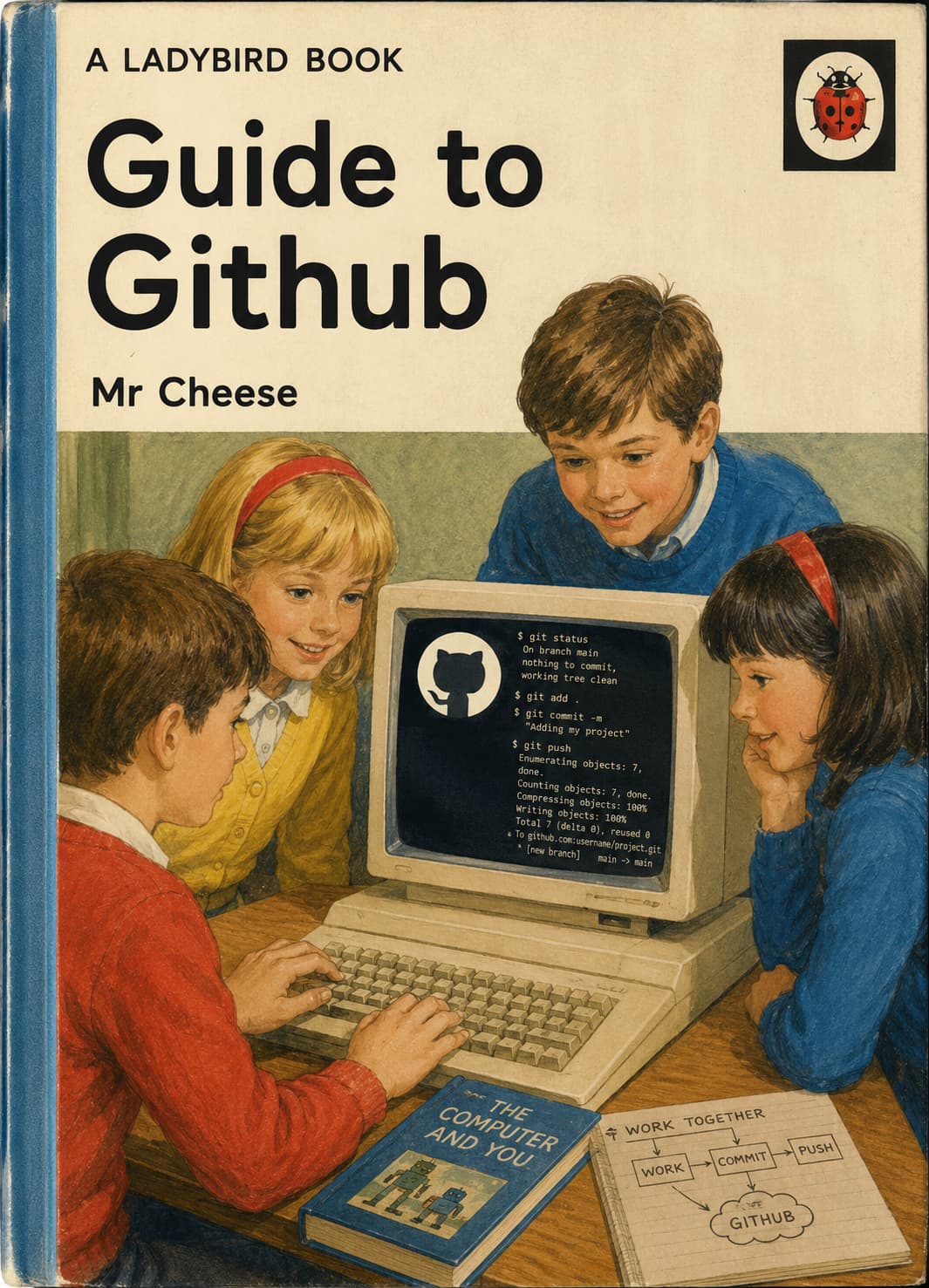
Git & GitHub
A book for grown-ups who have never done any of this before and feel a bit silly about it — which is absolutely fine.
Published for Wappler friends everywhere
Page 1 — Once upon a time there was a folder
Cheese had a folder on his computer. It had code in it. APIs. Extensions. A README. It was all very exciting.
One day Cheese changed twelve files, broke something, and could not remember what yesterday looked like.
Cheese said: "I wish I had a time machine."
Git is the time machine.
[Picture: A small red folder with a smiley face, wearing a hard hat. Behind it, faint ghostly folders labelled "Yesterday" and "Last Tuesday".]
Page 2 — What is Git?
Git lives on your computer. It watches your project folder and remembers snapshots of your work.
Each snapshot is called a commit.
A commit is like taking a photograph of your project and writing a little note on the back:
"Fixed the push notification thing. Cheese is pleased."
Git does not upload anything to the internet by itself. Git is your local helper.
[Picture: A friendly robot named Git holding a camera. The note on the photo says "v1.2.10 — paths fixed".]
Page 3 — What is GitHub?
GitHub is a website. It is a place on the internet where people keep copies of their Git projects.
Think of it as:
- A filing cabinet in the cloud
- A backup if your laptop is eaten by a goat
- A meeting place where other people can see your work and help
Your project on GitHub is called a repository (everyone shortens this to repo).
github.com/SomePerson/Some-Project — that is a repo.
[Picture: A large blue filing cabinet floating politely above the clouds. A goat looks disappointed.]
Page 4 — The cast of characters
| Name | Who they are |
|---|---|
| You | The clever person reading this book |
| Git | The robot with the camera (on your PC) |
| GitHub | The cloud filing cabinet |
| main | The "official" line of history — the Proper Version |
| branch | A safe side-path to try ideas without breaking Proper Version |
| commit | A saved snapshot + message |
| push | Send your commits up to GitHub |
| pull | Bring commits down from GitHub to your PC |
| merge | Join two lines of history together |
| clone | Copy a whole repo from GitHub to your PC (first time) |
You do not need to memorise this table. Git will still work if you call merge "the joining ceremony."
Page 5 — Peter and Jane learn to clone
Peter has found a Wappler extension on GitHub. He wants it on his laptop.
Jane says: "We must clone it, Peter."
Peter types:
git clone https://github.com/Someone/Cool-Extension.git
Now Peter has a folder called Cool-Extension. Git is inside it. GitHub is still on the internet. They are friends now.
[Picture: Peter and Jane in 1960s jumpers, pointing at a laptop. A speech bubble says "clone".]
Page 6 — The three places things live
This confuses everyone. Even Cheese. So here is the truth, simply:
┌─────────────────┐         push          ┌─────────────────┐
│  Your computer  │  ──────────────────►  │     GitHub      │
│  (local files)  │  ◄──────────────────  │  (remote repo)  │
└─────────────────┘         pull          └─────────────────┘
         ▲
         │ commit (save snapshot locally)
         │
    You edit files
- You edit files in your editor (Wappler, Cursor, etc.)
- You commit — Git saves a snapshot on your machine
- You push — Git sends those snapshots to GitHub
Pull is the opposite of push. Someone else (or you, on another PC) changed GitHub — you pull to catch up.
Page 7 — Look before you leap: git status
Before doing anything dramatic, ask Git what is going on:
git status
Git will say things like:
- "You changed README.md" (good, you meant to)
- "Your branch is ahead of origin/main by 1 commit" (you have local saves not pushed yet)
- "nothing to commit, working tree clean" (all tidy; have a biscuit)
git status is the book's favourite command. Use it when confused.
[Picture: Git the robot holding a clipboard. Caption: "Have you tried status?"]
Page 8 — Saving your work: add and commit
Changing a file is not the same as committing. Git is polite; it waits for you to stage changes first.
git add README.md
git commit -m "Explain subscription status for total newbies"
Or, if you trust yourself and it is your own repo:
git add .
git commit -m "Big batch of fixes — Cheese tested on AB House"
Write commit messages like notes to Future You:
| Bad | Better |
|---|---|
fix |
Fix API path normalisation for Wappler route picker |
stuff |
Add Ladybird git guide for Wappler community |
asdfasdf |
(do not do this; Future You is crying) |
Page 9 — Sharing with the world: git push
Your commits are on your PC. GitHub does not know yet.
git push
The first time on a new branch, Git may ask you to set upstream:
git push -u origin main
- origin = nickname for GitHub
- main = the branch name
After a successful push, your friend in another country can clone or pull and see your work.
Peter is happy. Jane is happy. The goat is still disappointed but that is a different story.
Page 10 — Getting updates: git pull
Someone (maybe you, on your work PC) pushed changes to GitHub. Your laptop is behind.
git pull
Git downloads the new commits and tries to update your files.
Golden rule: pull before you start work for the day. It avoids surprises.
[Picture: Jane pulling a rope labelled "pull". Peter pushing a rope labelled "push". They are not the same rope.]
Page 11 — Branches — or, "What if I want to experiment?"
main (or master on older repos) is the Proper Version.
But what if you want to try a risky idea?
You make a branch — a parallel universe.
git checkout -b my-experiment
You commit on my-experiment. main stays untouched. Your extension still works. Cheese sleeps at night.
When the experiment is good:
git checkout main
git merge my-experiment
That is a merge — joining two histories.
When the experiment was terrible:
git checkout main
git branch -d my-experiment
Pretend it never happened. (The commits may still exist in Git's memory, but we do not talk about that on Page 11.)
Page 12 — Pull Requests — asking nicely to merge
On GitHub, you often do not merge straight into someone else's main branch.
Instead you open a Pull Request (PR):
"Dear maintainer, I made the buttons blue. Please pull my changes into main if you like them."
A PR is a conversation:
- People review your code
- Tests run (sometimes)
- You fix little things
- Someone clicks Merge
For your own repo, you can push to main directly when learning. PRs are for politeness and teamwork.
[Picture: A pull request shown as a letter in an envelope, stamp: "MERGE ME?"]
Page 13 — When Git says "conflict"
A merge conflict means Git tried to merge two changes and both touched the same line.
Git stops and says:
<<<<<<< HEAD
Your version
=======
Their version
>>>>>>> branch-name
Do not panic. This happens to experts every week.
- Open the file
- Choose the right text (or combine both)
- Delete the
<<<<<<<lines git addthe filegit commit(or finish the merge)
If truly stuck: ask in Wappler chat. Someone has been there. Probably today.
Page 14 — Things that are NOT in Git (on purpose)
Git is not a USB stick for secrets.
Never commit:
- Passwords
.envfiles with API keysVAPID_PRIVATE_KEY- Database passwords
- Your mum's Wi-Fi password
Put those in environment variables (Wappler → Project Settings → Environment).
Git remembers forever. Even if you delete a file later, the history may still contain it.
[Picture: A big red stamp: "SECRETS STAY OUT"]
Page 15 — A gentle day in the life (Wappler edition)
Cheese works on the PuSH-IT extension:
cd ~/Projects/Server-Connect/Extensions/PuSH-IT-Extension
git status
# edit files in Cursor / Wappler
git add .
git commit -m "Release v1.2.10: normalize Wappler API paths"
git push
Then in AB House (a separate project, separate repo — or no repo at all):
cd ~/Projects/AB-House-Services
npm install file:../Server-Connect/Extensions/PuSH-IT-Extension
# restart Docker / dev server
Extension repo and client project are often different folders. Pushing the extension does not automatically update AB House. You install or copy the new version.
That is normal. You are not doing it wrong.
Page 16 — Words the grown-ups use
| Word | Baby translation |
|---|---|
| Repository (repo) | Project folder + Git history |
| Remote | GitHub's copy |
| origin | Default name for your GitHub remote |
| HEAD | "You are here" in history |
| Staging | Telling Git which changes go in the next commit (git add) |
| Diff | What changed between two versions (git diff) |
| Fork | Your own copy of someone else's repo on GitHub |
| Clone | Download a repo (with full history) |
| .gitignore | List of files Git should ignore |
| README.md | The front page of your repo — read me first! |
Page 17 — Cheat sheet (cut out and stick on monitor)
git status              # What is going on?
git diff                # What did I change?
git add <file>          # Stage a file for commit
git commit -m "message" # Save snapshot locally
git push                # Upload to GitHub
git pull                # Download from GitHub
git log --oneline       # Short history list
git clone <url>         # First-time copy from GitHub
When frightened: git status
Before starting work: git pull
After a good milestone: git commit then git push
Page 18 — You are allowed to be a beginner
Everyone who types git push confidently once typed git push while whispering "please work".
- Branches can be deleted
- Commits can be fixed (later books cover this)
- GitHub has an Undo button for some merges
- Asking "what does push mean?" is how you become the person who answers it next year
This book is for sharing on Wappler. Give it to someone who said "I don't do Git."
They can. Git is just a very keen robot with a camera.
The End
Share freely.
Made with affection for the Wappler community — especially anyone who fixed active = 1 at eleven o'clock at night.
 Ladybird would like to remind you: always hard-refresh after updating
 dmx-pushit-subscribe.js.