With a little help of the AI and this resource:
We have a solution:
- Add
dmx-bind:config="editorConfig"to the editor like:
<textarea id="editor1" name="editor1" is="dmx-summernote" dmx-bind:config="editorConfig" dmx-bind:toolbar="[['style',['style']],['font',['bold','underline','clear']],['fontname',['fontname']],['color',['color']],['para',['ul','ol','paragraph']],['table',['table']],['insert',['link','picture','video']],['view',['fullscreen','codeview','help']]]">
</textarea>
- Add this js to your page:
<script>
    dmx.global.set('editorConfig', {
  callbacks: {
    onPaste: function (e) {
      e.preventDefault();

      var clipboard = (e.originalEvent || e).clipboardData || window.clipboardData;
      var text = clipboard.getData('text/plain');

      document.execCommand('insertText', false, text);
    }
  }
});
</script>
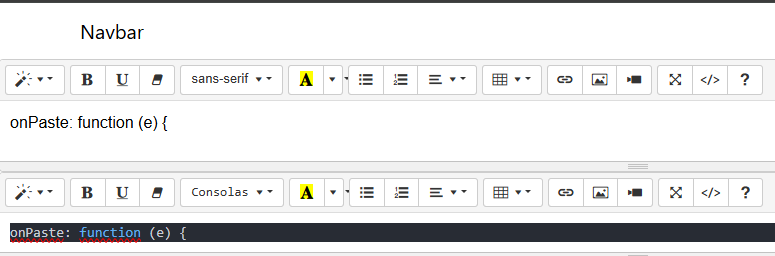
You can see the result pasting the same on two summernote editors: