Yah I figured I needed to use this to store the users token session ID. I am speaking about my API access key provided by my backend team. I tried to assign it to the session manager but there is no way to input the value of the key. So far the only way I have been able to accomplish this is to use a variable and place that variable on each page where an API is used.
I you know of a better or more efficient way I am all eyes and ears. LOL.
great… So that is what I thought to do. Buddy, thanks for the help!.
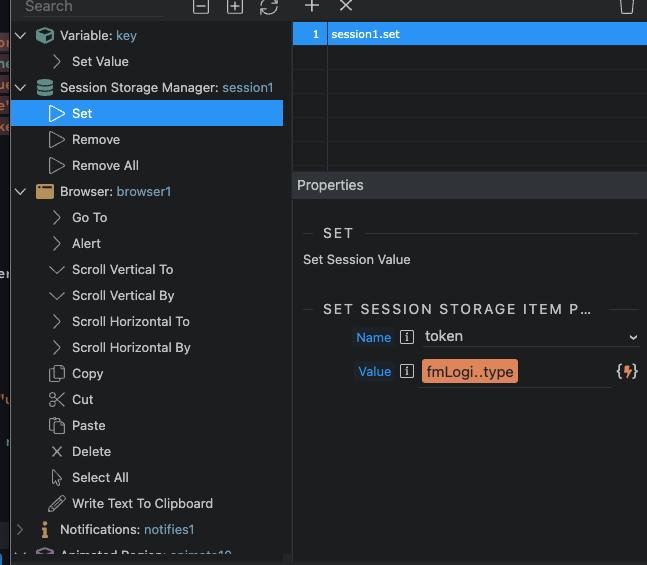
when applying the success to the api form and storing it in the session manager, what action do I apply? how do I apply the action of placing the token received as the action to accomplish?
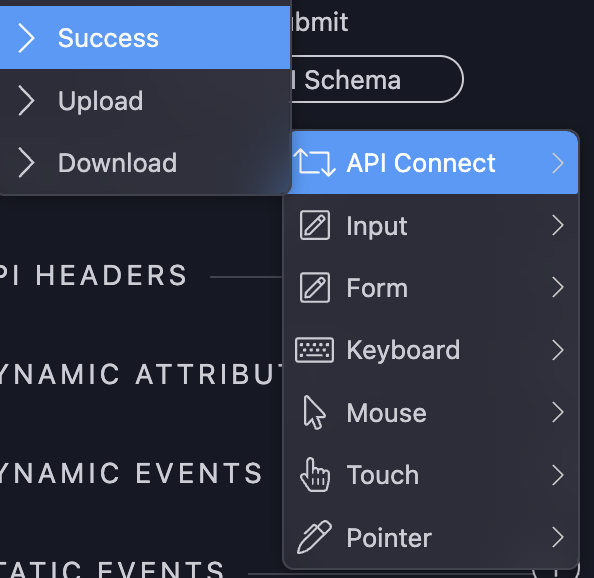
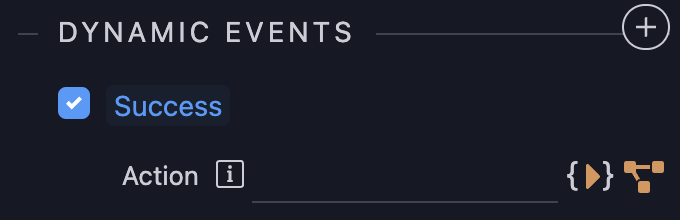
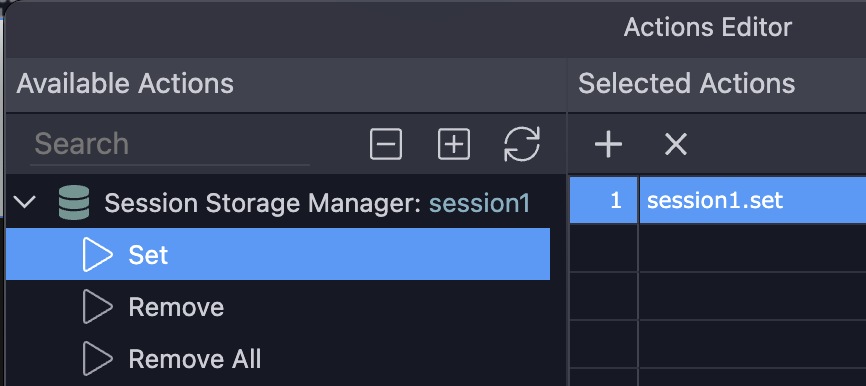
this is what I did just guessing, I applied upon success to the session manager and the action is grab form data and apply.
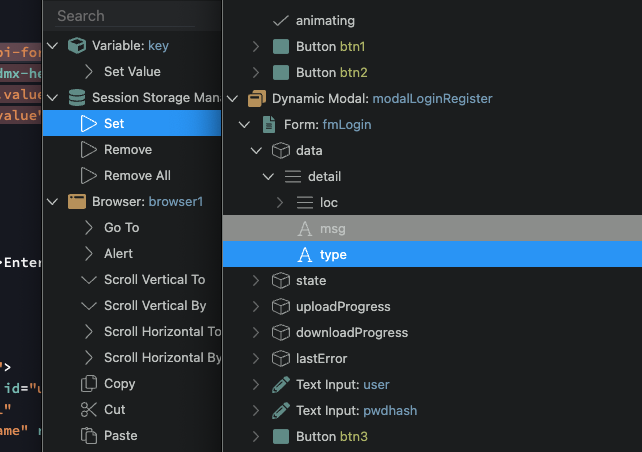
And you should see “token” in the dropdown near where you can type the variable content, on that window (this “token” you’ve created previously when defining the schema of the session manager)
Edit: I don’t see “token” in your fmLogin.data, it should’ve been there I guess
got it. For me to define the schema I need to replace the value of user and pwdhash with a current user and password. Man I am so close to getting this to work. Thanks for your help my friend!
Hey I am sure you are asleep now but I am hoping you have one last answer for me.
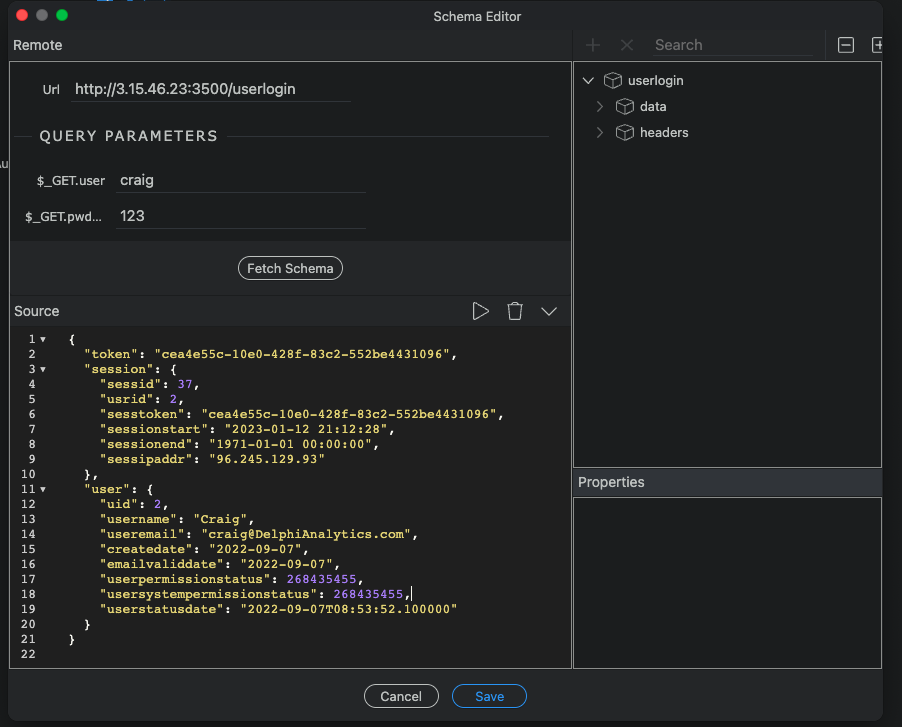
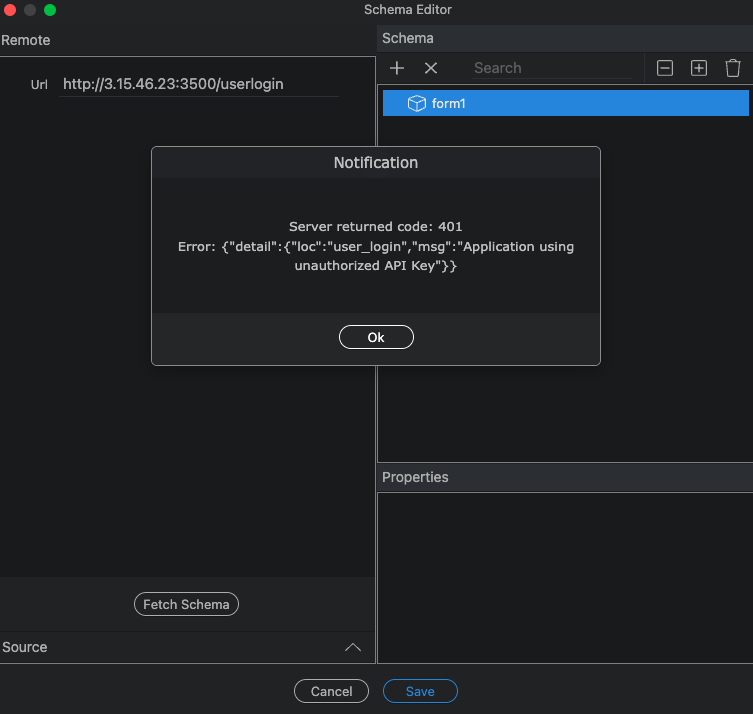
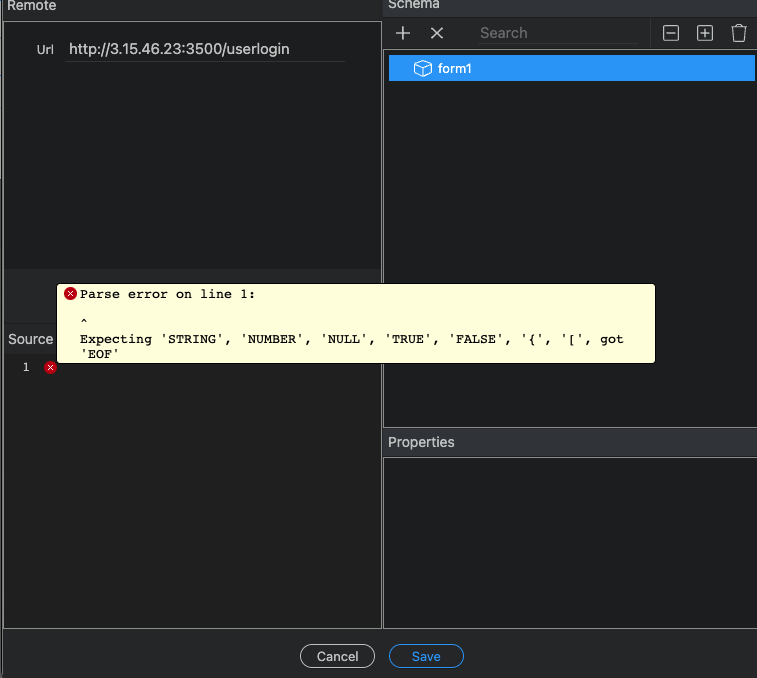
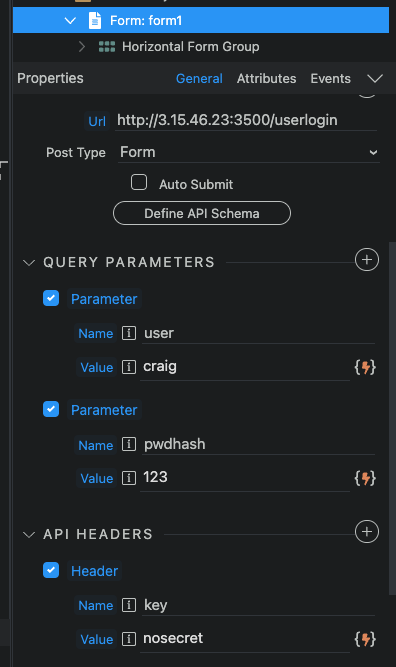
This is the most frustrating part I have experience. When testing the API through the workflow API action, I have success and it returns the info that I showed you in that screen shot. Now here is the really frustrating part. I am inputting the exact same info in the API form (now remember, I have already hit the API and the key is correct). when hitting the define schema button this is the error I receive back.
why in the world would it send me back this error, but not show an error in the API workflow API action? I even inputed the API key directly in the header and bypassed the variable and I still get that error.
That screenshot doesn’t show the fields for the username and password, hence you can’t get a proper response as you’re trying to login with empty data. I don’t know how to fix it on top of my head. Because the API form is not so used compared to the Server Action (back-end) API Action, don’t discard the possibility of a Wappler bug
You can workaround by pasting a good response clicking the Play button I believe, so the schema is inferred from what you pasted instead of Wappler itself doing the API request. You can use tools like Postman or Insomnia to perform API requests and grab the response
allright! that worked… I was able to assign the token to the session manager!.. sweet success… LOL.
Ok buddy, now I have one more question for you, is there any documentation for upon success I would like to redirect to the same home landing page but have an avatar icon appear? I just need to understand redirection upon success and the process behind it as to how Wappler does it.
No problem, buddy! You need to add a “browser” component to your main.ejs, you’ll have access to the Redirect action when you do the on form success stuff
great I have that already set up. Ill try to work through it might hit you up if I have any further questions. Just FYI, the API form has a lot of issues. I am sending in a bug report. The define schema does not work with out forcing it like you stated. The second issue is that the GET command does not show up as a method, when selecting POST the method shows up. When I coded GET in its place, it took it but when I processed the form, its send it not as an GET but as an option.
Screen Recording 2023-01-13 at 4.45.09 PM
when the form is submitted this is the return the server give my backend team;
INFO:
INFO:
70.171.193.203:56388
“GET /showsessions HTTP/1.1” 200 OK
96.245.129.93:64100 -
“OPTIONS /userlogin?user=craig&pwdhash=123&user=craig&pwahash=123&= HTTP/1.1” 405 Method Not Allowed
I haven’t checked the video as I’m not home, but the last issue regarding you seeing “OPTIONS”, this is a CORS issue, your back-end team needs to allow your front-end to connect to it and that’s called CORS. If you inspect your browser’s developer console you’ll see a CORS warning there once you perform the API request
Yah, I wish it was that simple. Its a CORS method issue. It is looking for a GET and its receiving an OPITIONS. check out this article;
That is where the issue lies, there is a bug within the Method section of the API FORM. When I select Post the method is placed. However when I select GET it is gone. I have written it back in and it still has the issue of replacing it as OPTION
I’ve now seen the video. Regarding the GET method disappearing, that’s ok because GET is the default according to the HTML standard:
So, if “method” disappears, it’s assumed to be a GET one.
Browsers will always make an OPTIONS request before making a GET to third-party address, that’s not your issue, that’s an issue your back-end team must fix by returning the appropriate CORS header(s). Once that’s fixed, the browser will perform the GET request normally after the (first) OPTIONS request