How to redirect the user after login…
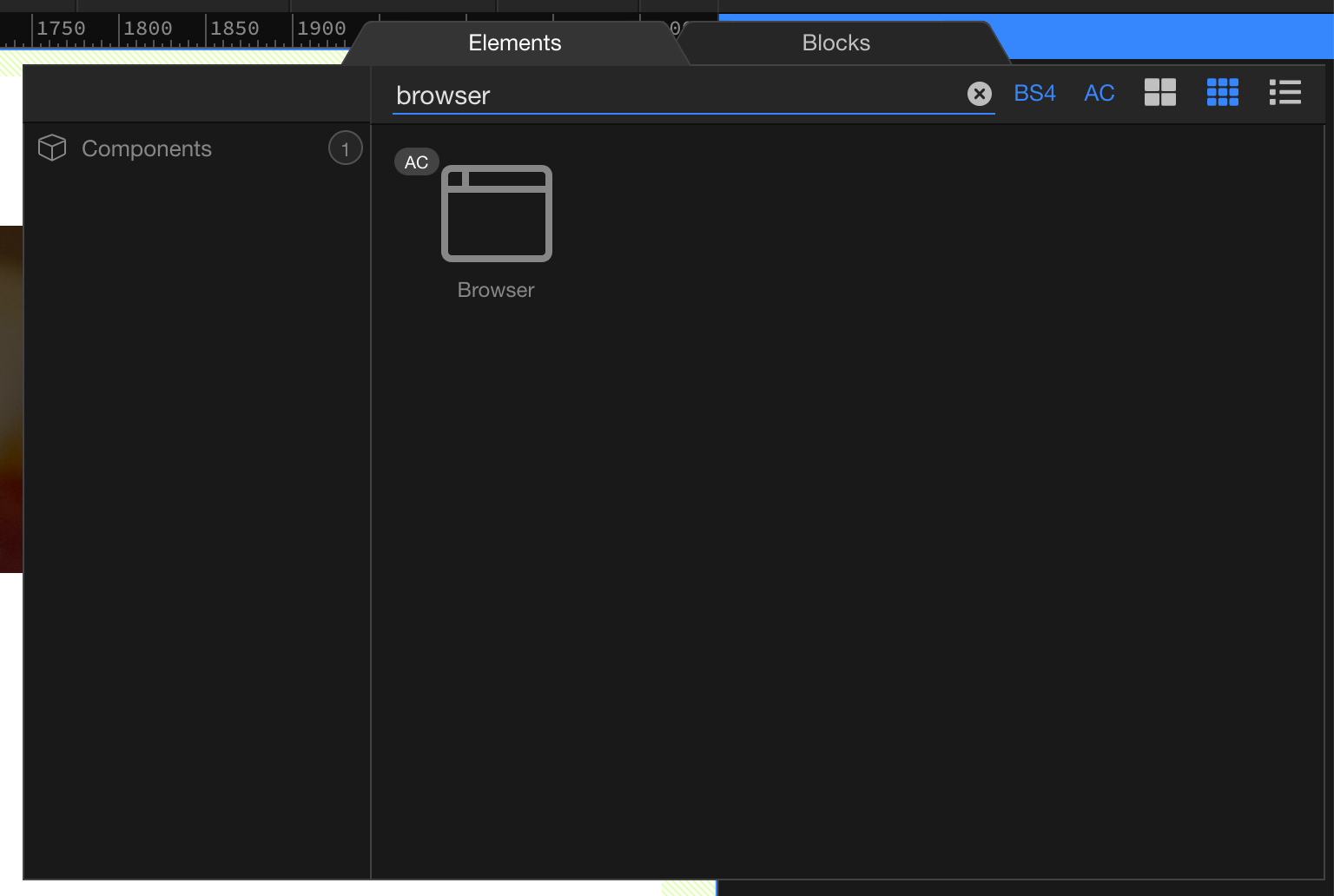
- Open your login page and add the Browser component for your App
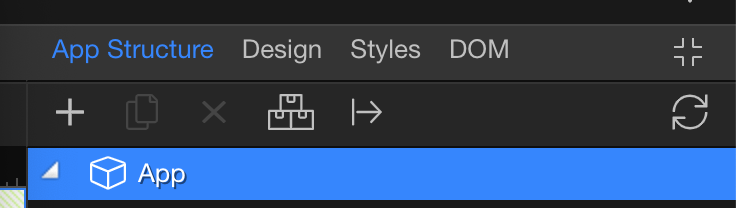
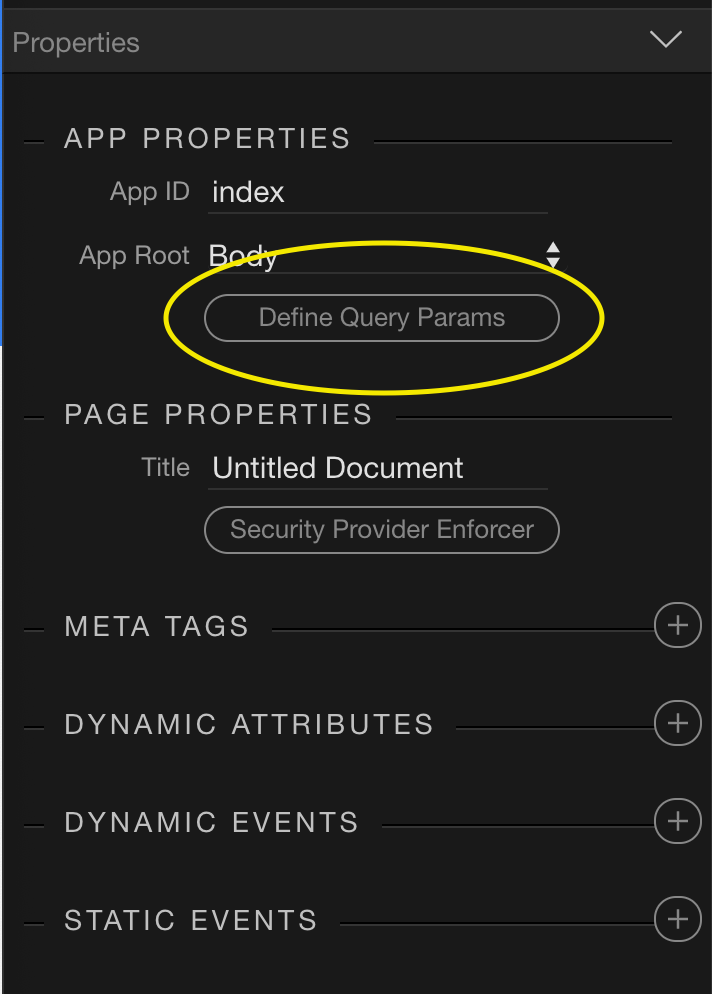
- Select ‘App’ from the ‘App Structure’ panel on the right and then select ‘Define Query Params’
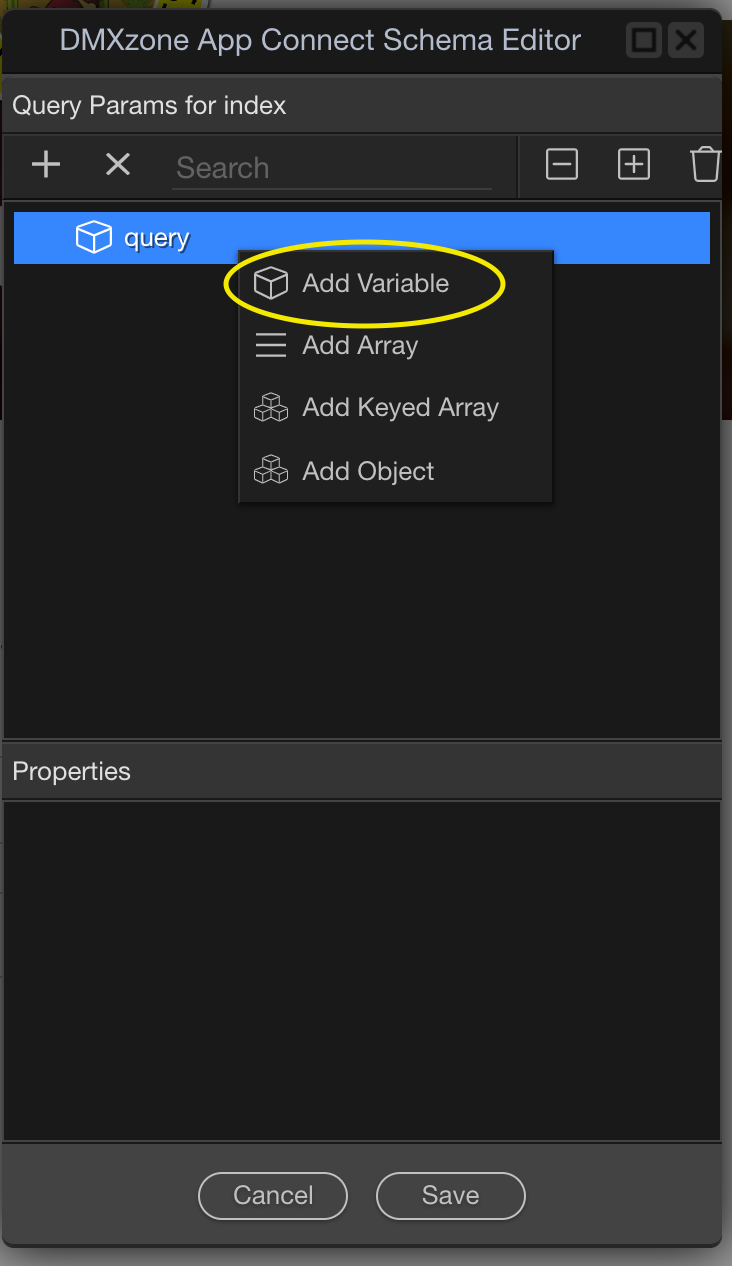
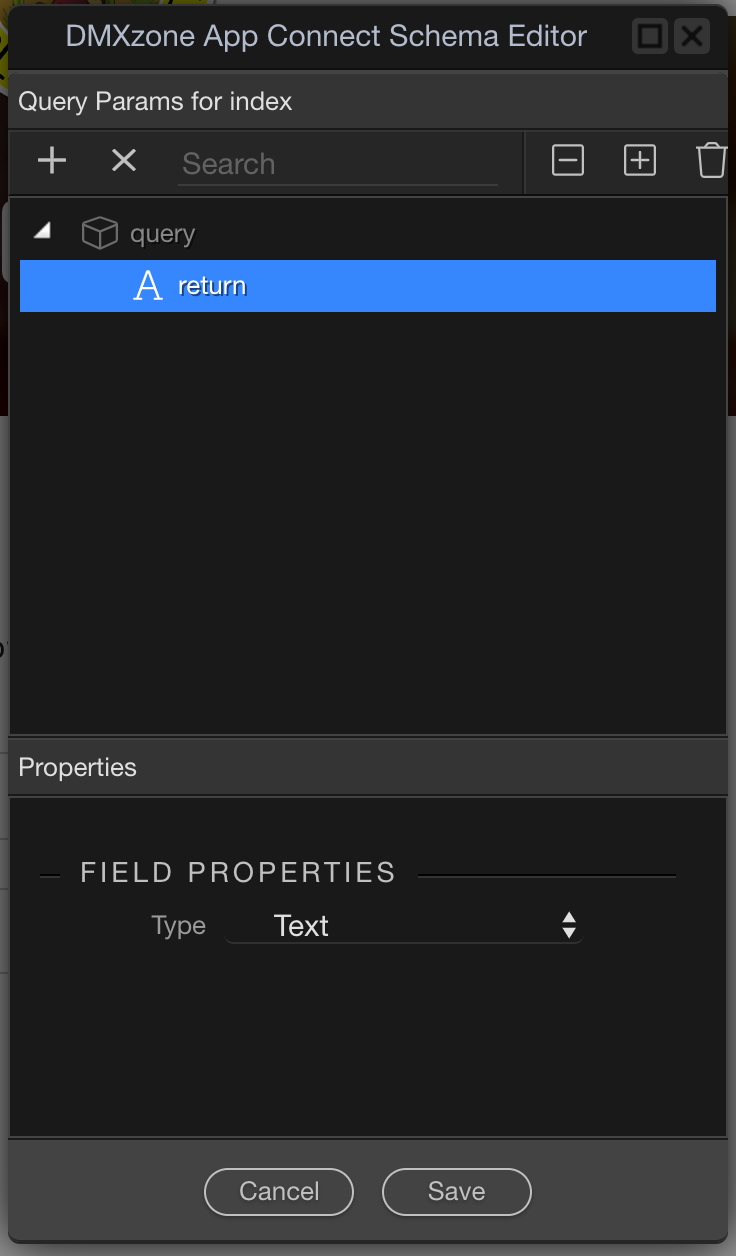
- On the popup window, right-click on query and select ‘Add Variable’. Call this- return.
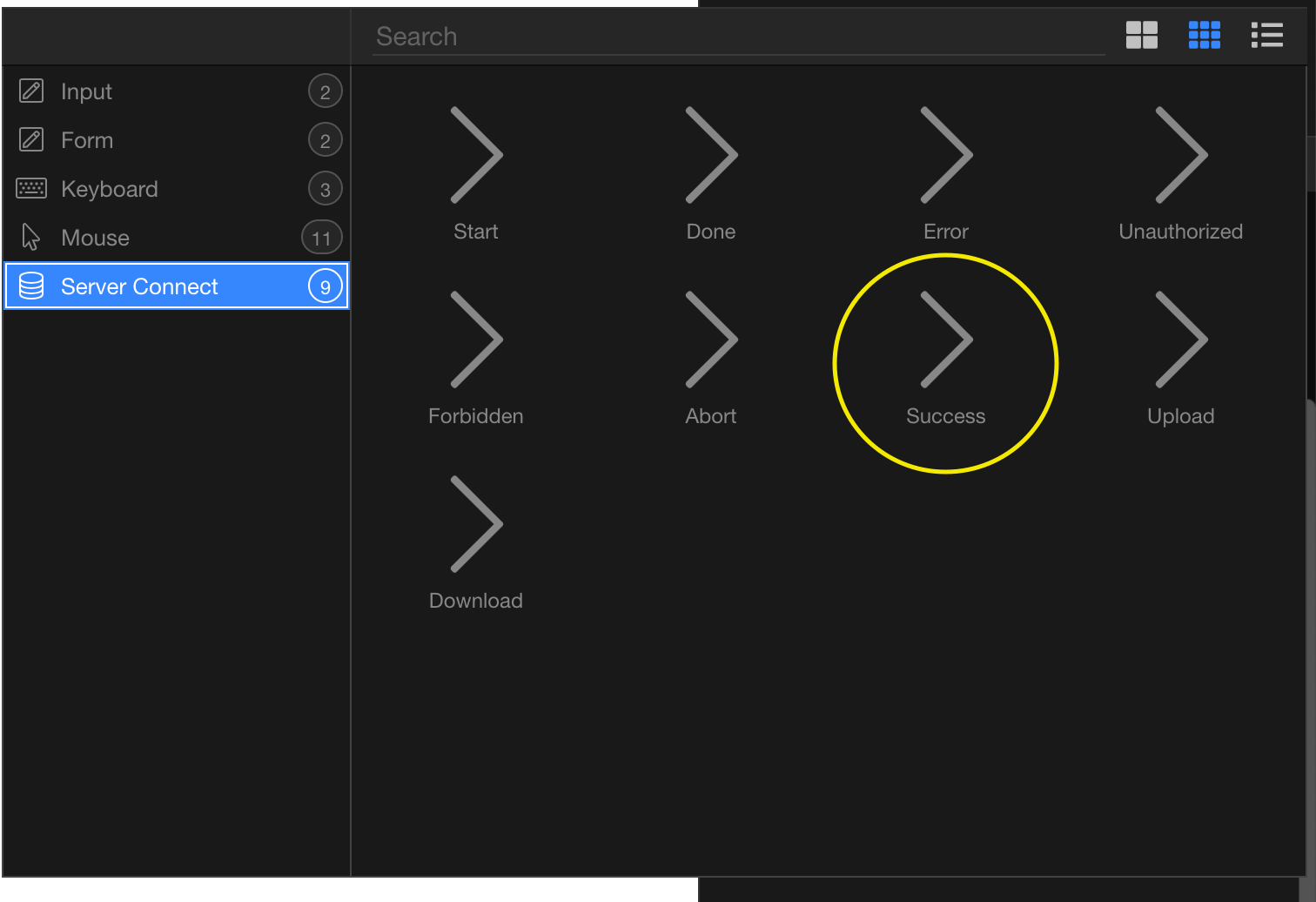
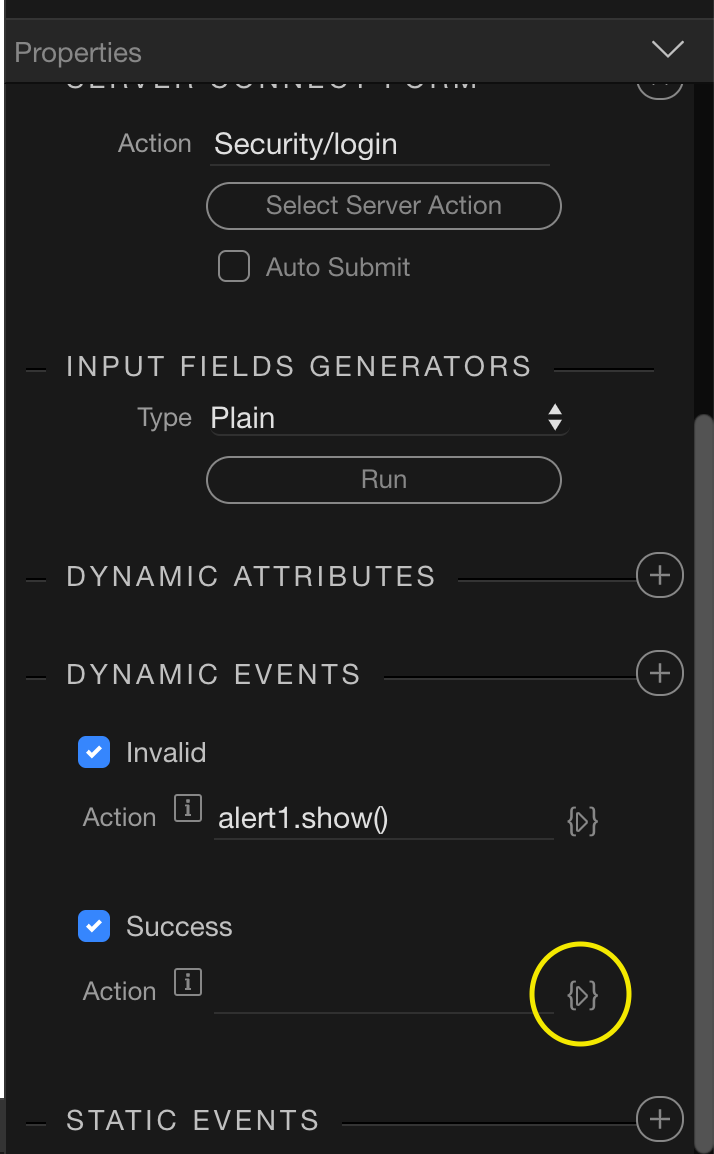
- Select your login form in the App Structure panel and add a new Dynamic Event. Under Server Connect, click Success. Then, once this is added, click the dynamic data picker.
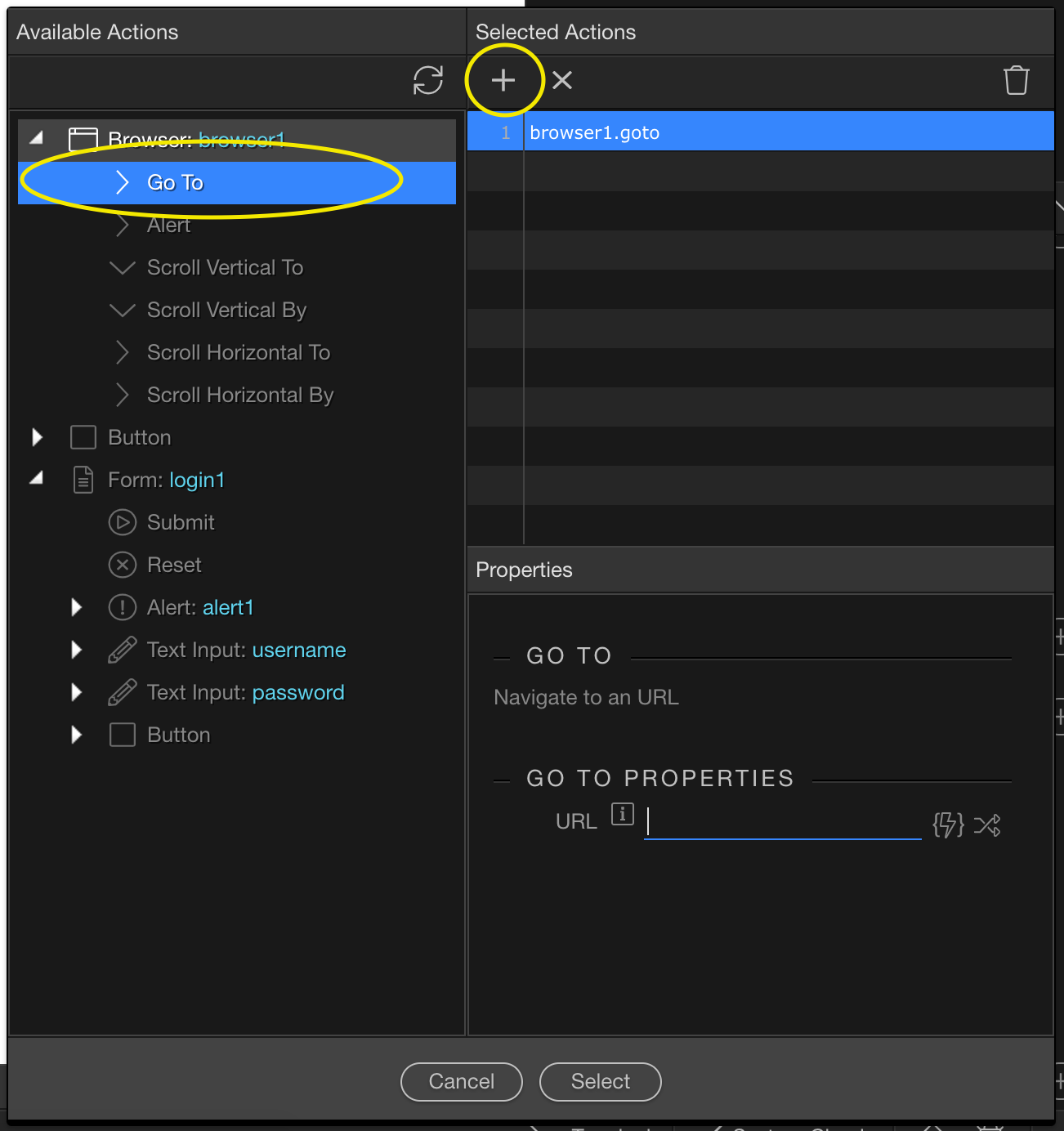
- Under Browser, click ‘> Go To’, then click the ‘+’ button which should add ‘browser1.goto’ to the right hand list. Click this and some Properties will show in the window below.
- Under the Go To Properties, click the dynamic data picker (lightning bolt) and a window will popup. Under the Data Bindings, you should see the ‘return’ query at the top. Select this and press the Select button.
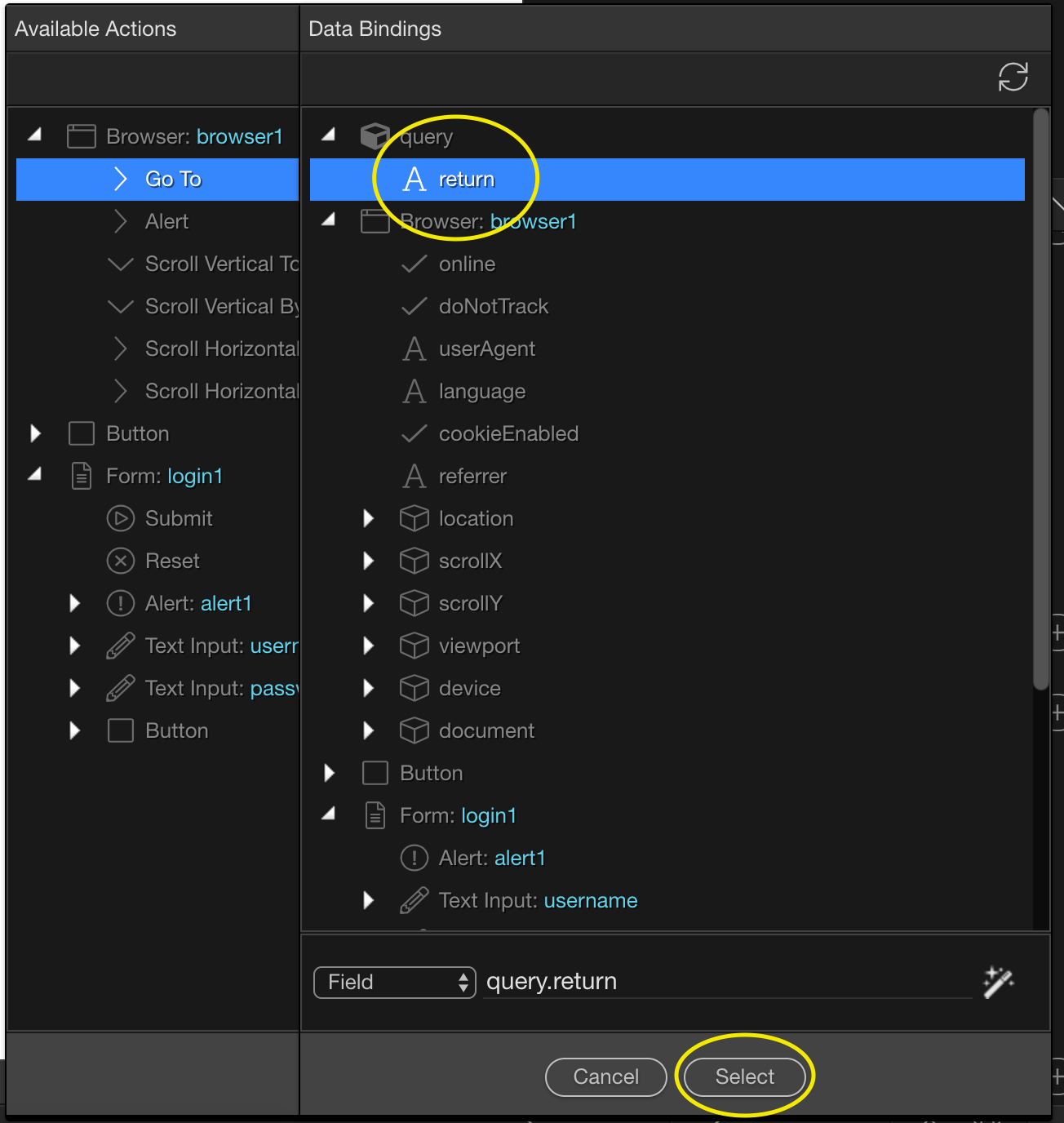
- After pressing Select, your Dynamic Event on Success should show the action:
browser1.goto(query.return)
If you now redirect the user to the login page and add ‘?return=mypage’ at the end of the URL, after login they should be redirected to the page you want. Example:- mywebsite.com/login?return=edit-profile