Development mode
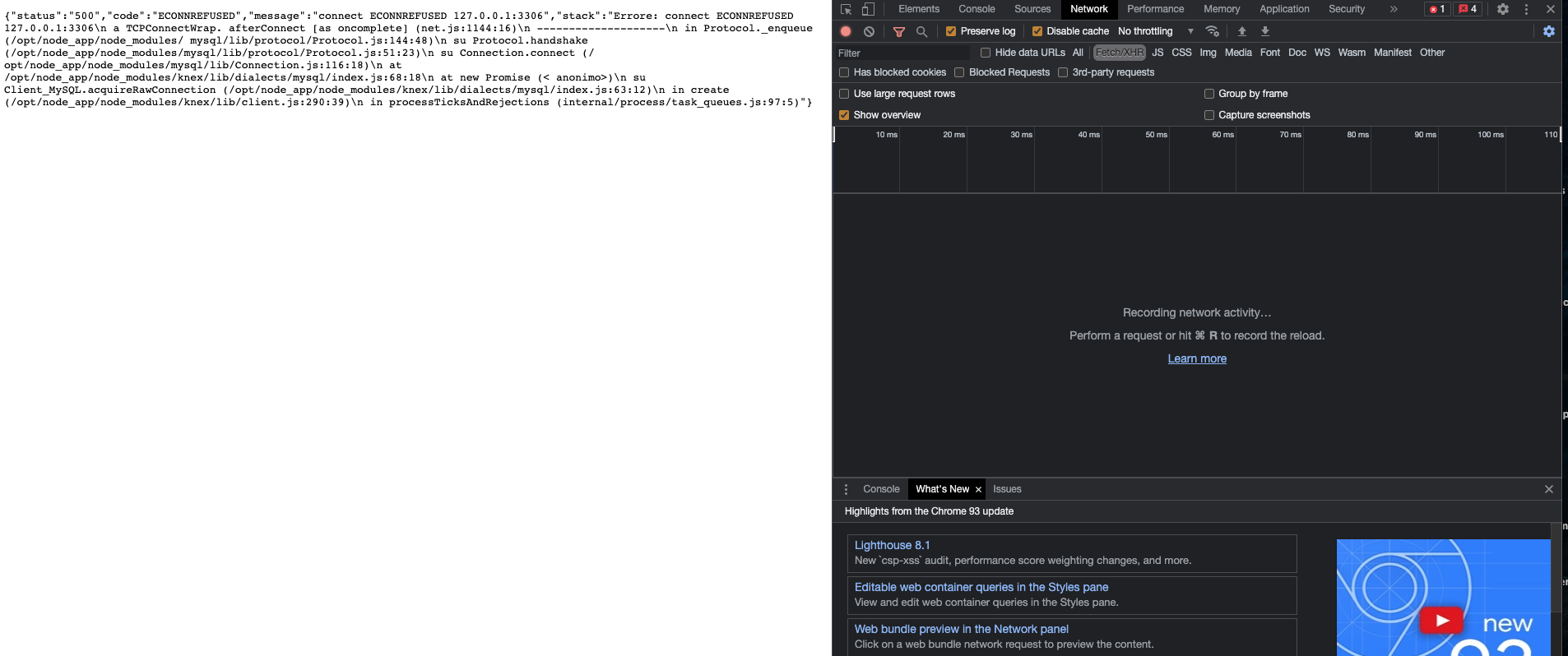
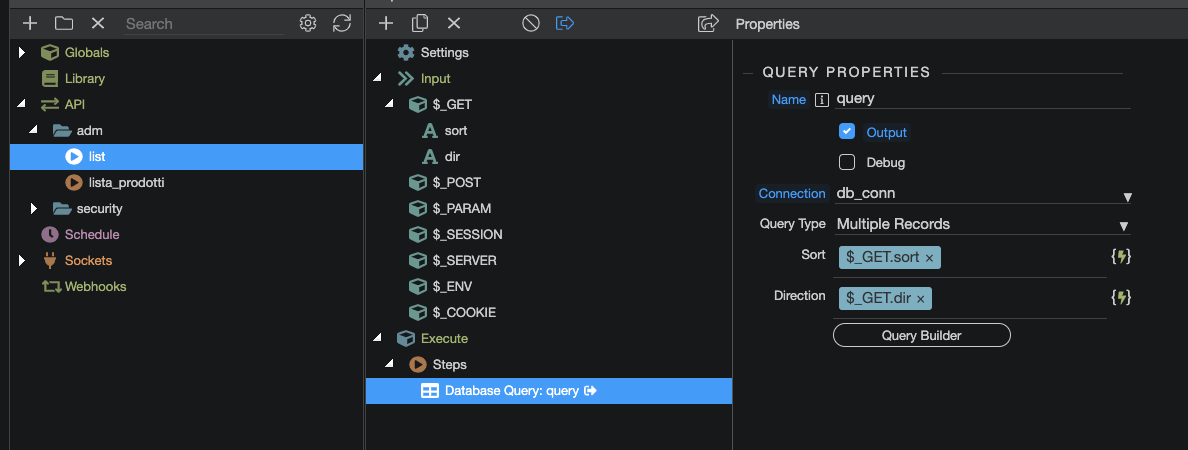
After performing Deploy a first time with errors and a second time without errors, the development of the local action is as per screeshot
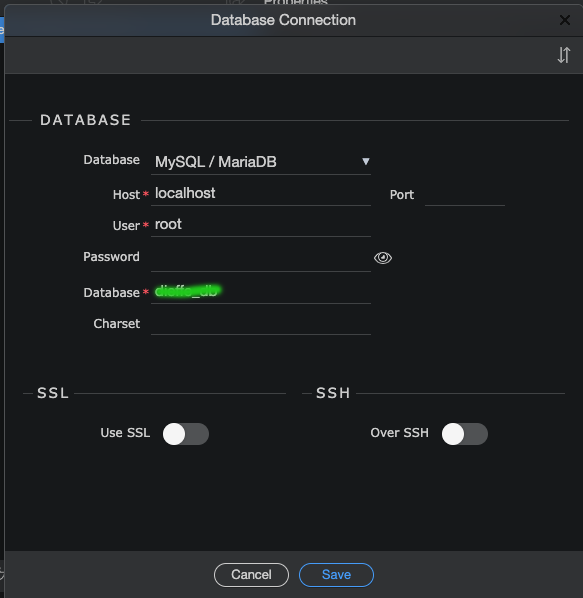
The error says connection refused and then gives the address 127.0.0.1:3306 which is the local loopback IP address in all computers hosts file, its the same as localhost in essence.
You said you database was a remote one to some cloud based database server, therefore your database connection should be using an IP Address to connect. So this is a confusing result.
Thanks Paul
In fact it is the first time I use a Cloud NodeJS solution (on Hetzner) with Ubuntu.
I begin to think that the problem is due to the database created on the Ubuntu Cloud Server, because sometimes he work and sometimes no.
I certainly donât think itâs a Wappler problem
At this point, if I donât solve the problems soon, even though I had discarded the idea for the fact that it didnât rely out, I think I have to recroll me and better pass to a docker database.
I have to search a tutorial for configuring a docker database for local and remote connection
Have you tried connecting to it using a third party database application like SQLStudio Pro / DB Solo, etc.
There are 2 side to this.
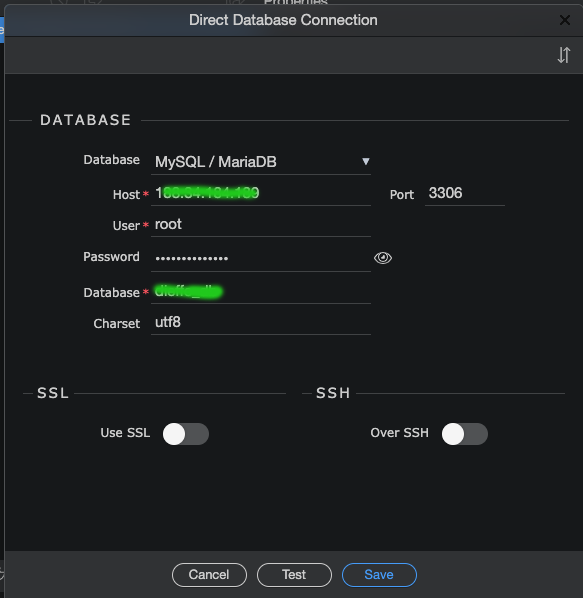
Are all your connection settings correct
Database Host / Address e.g. 149.28.79.214
Database Type e.g. MariaDB, MySQL, Postgres
Database Port e.g. 3306
Database Name e.g. myNewCloudDatabase
Database User e.g. root
Database Password
If you have all those credentials, and a third party database tool, and can connect, then you know that side is working fine first off.
If you get an error connecting with all the correct details, look at 2 things
Most Likely, is there a firewall blocking all connections that you need to open up on the database server side, and if that is the case, and you search google for âWhatsMyIPâ and enter your remote IP and it works then great, thats the issue.
This issue can cause the appearance of erratic behaviour, because one day you are connected perfectly, and the next day you not.
The reason for this is probably because your internet service provider changes your IP address dynamically, and each time they do you will have to open a new IP manually in the database firewall.
Less likely reason, the database has a read only user as well as a read/write user, I mention this because Hetzner loves auto creating those for you. An offshoot to this may also be that root is locked as a user by the system, and possibly you can not connect via root but rather a different username like admin which has the same privileges as root.

The site is set with Docker / NodeJS on Hetzner Cloud server. Everything apparently perfect regarding configuration. The Index page works correctly both on local (Docker) and on remote (Hetzner) The connection to the database was not configured in the target tabs of Wappler (local and remote) because it was manually created via database manager, both for local and remotely. Apparently working Now for example I created two query actions that stand at the same database table, one works on remote and another no. Neither works on local Now itâs a late. Dimani will try to understand the origin of the errors with debugging, as recommended by Teodor. We will see if I solve Thanks
Hi Teodor
I have checked all the settings and with the target positioned on production (remote) it can easily work both the action and the Table Product List (I am monitoring if the operation is stable)
Instead if they place the target on development (local) the action does not work and consequently the list
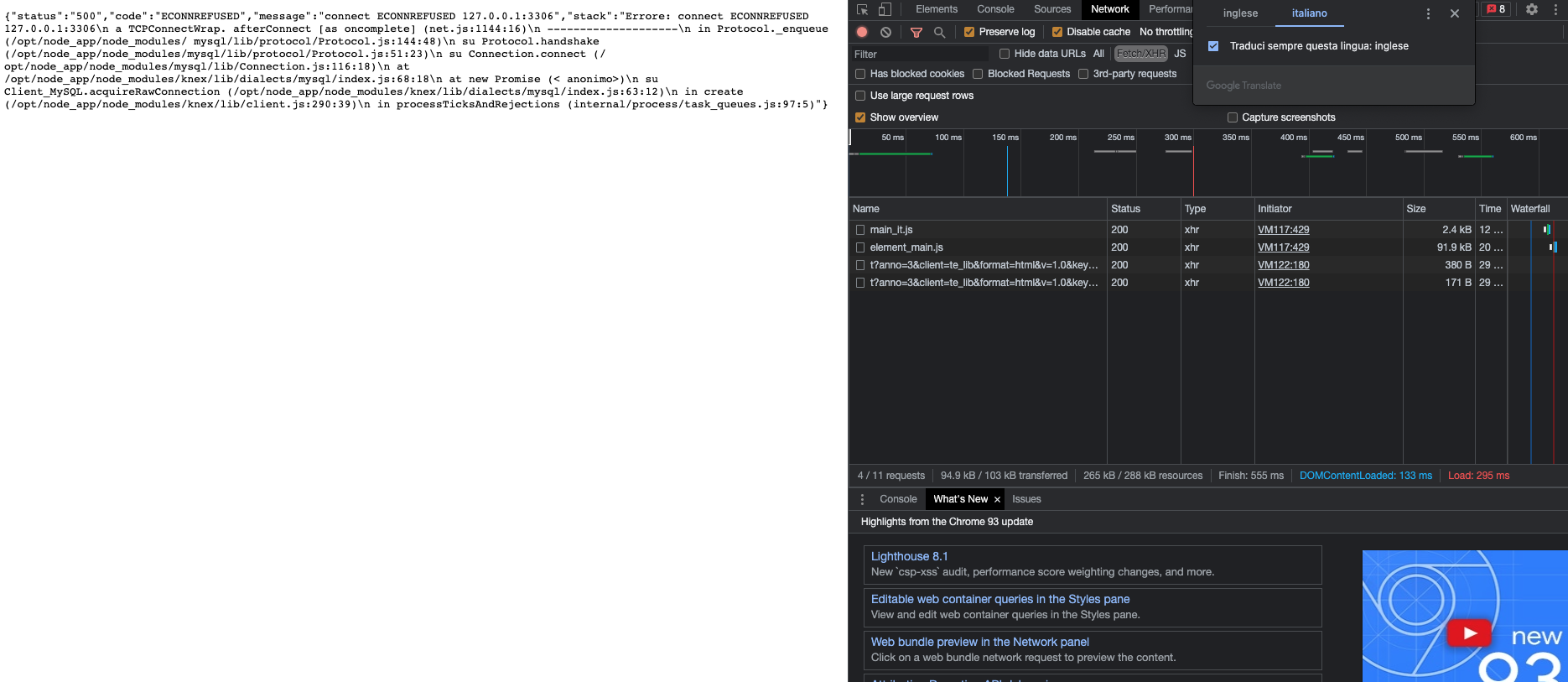
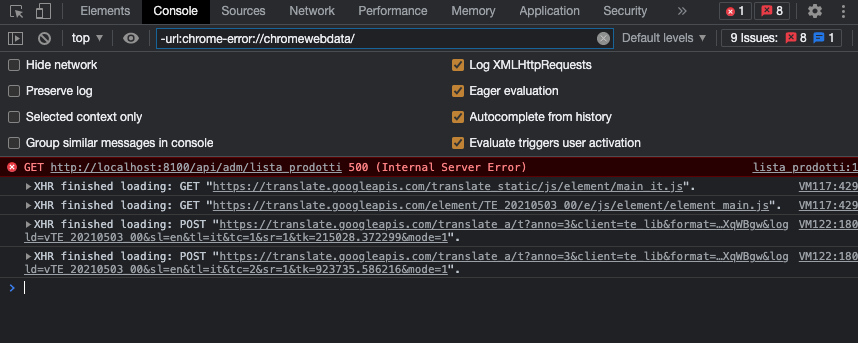
The debug result Network HXR:
Marzio first you say both targets connect to the same remote database, now you show a localhost connection to your database.
The error message says the connection to the localhost database is refused - wrong credentials, not database at all or similar issues.
Are you working with a local database on the local server at all? Or do you only need to use the remote one on both targets as explained in some of the posts above.
Sorry but it is really hard to understand your idea reading your posts.
Ok the direct connection is already addressed to remote database, even for the local target
Now I also put the configuration in Global on a remote db
Check the operation now
there is still something I donât understand
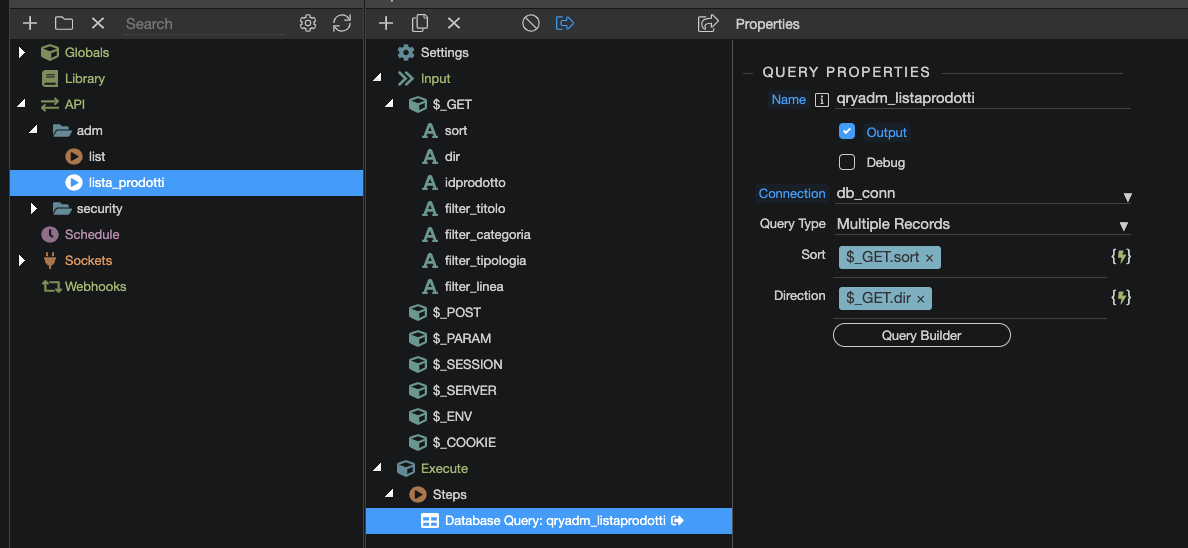
I have two actions for the same table, one without conditions and another with some âfilter containerâ conditions.
Using the local target the first lists the products correctly, and the second no
Using the remote target all two work
I hope I explained the problem
Test conclusion
To obtain the query result from an action, I always have to deploy for both local and remote (remote two times to correct NPM version error)
Then if I insert a GET variable text as a filter in a query and apply it in the conditions with comparison Field -> Contain -> Variable Filter
Action does not produce result.
This is strange because for other sites Iâve always done it without any problem
Sorry Marzio, i totally lost track of what are you trying to achieve, what is the problem and what is not working for you.
Keep your different issues in separate topics as otherwise it becomes a huge mess and it is hard to follow what your initial issue was and was it fixed or not.
Teodor just try to get a precise result, that is to have a working action that lists the records of a table with some conditions. I made some mistakes in the configuration that I solved thanks to you, but the desired result was not achieved because adding the conditions in the query nullifies the result
I could try, but I need that the filters are in and. In other sites it works great, but they are in php and not in nodejs
There should be no difference in reading queries, but I donât know what to think anymore, also because Iâm losing a lot of time for this problem
Itâs a very simple test to do, switch to OR and if it works then you know right away that one of the filter fields is not handing parameters to the query properly. Takes a minute and gives us some idea of what could be wrong.