Are you sure you need to access the database remotely? Isn’t it running on the same server as your target?
yes, it is running on the same server as my Target
So when you switch to your target, edit the database connection details as they should be on the server.
I think that’s exactly what I did.
It works as a php project, but unfortunately not as a Nodejs project
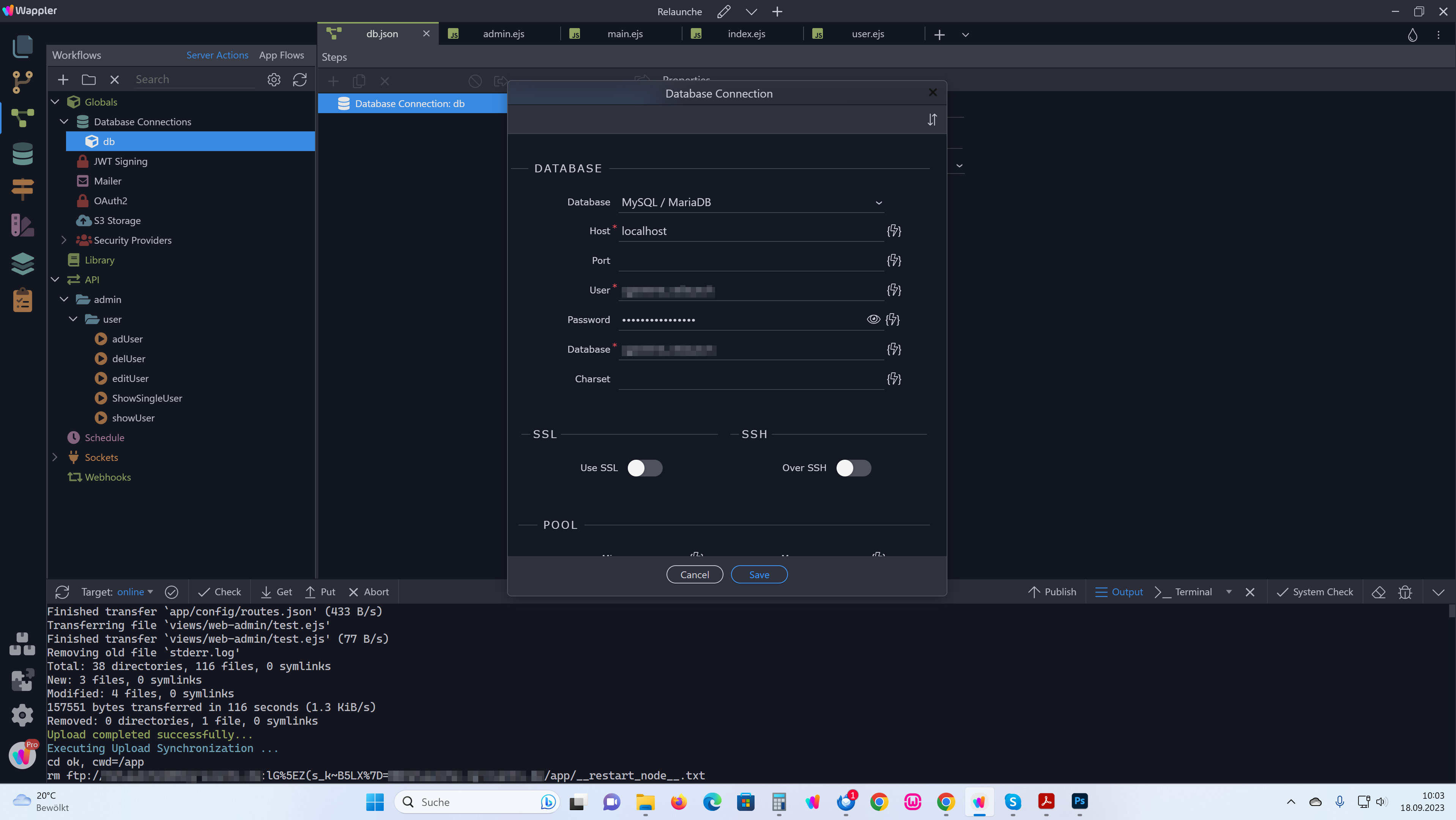
Do you have an idea why it doesn’t work for me?
There are two different environments that you are targeting, namely development and production.
For development, my database connection looks like:
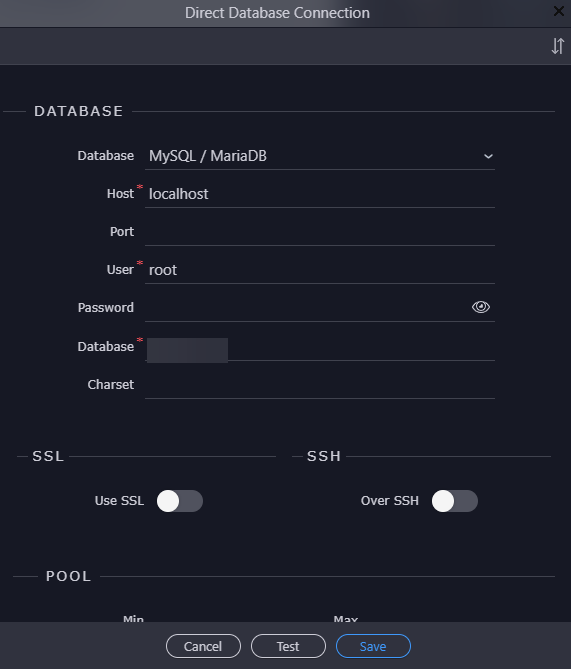
For production:

As far as I could see, you have catered for just the one environment.
hello Ben,
As I see it, that’s exactly what I did in Global and direct connection…
I just called production “online”
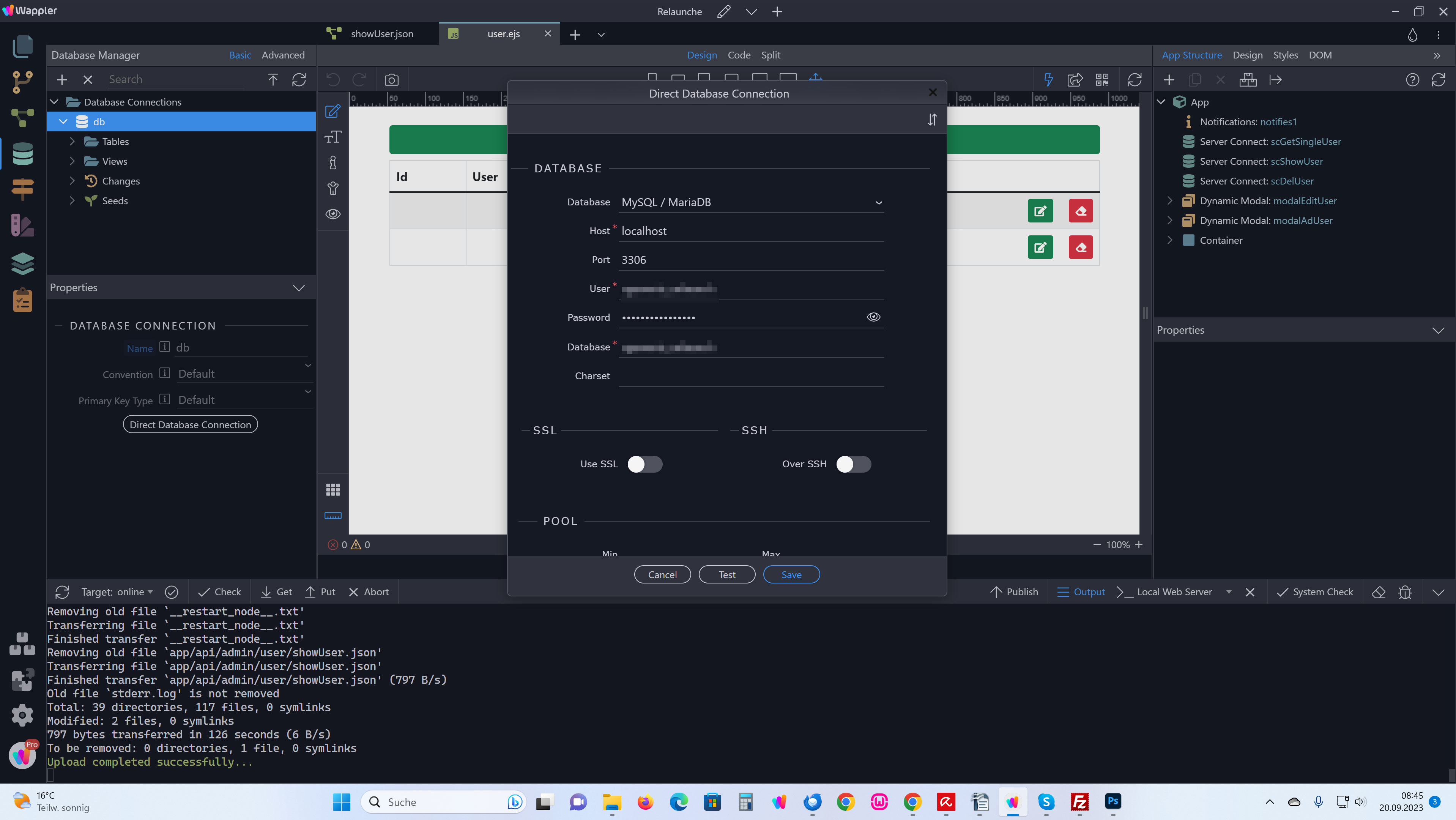
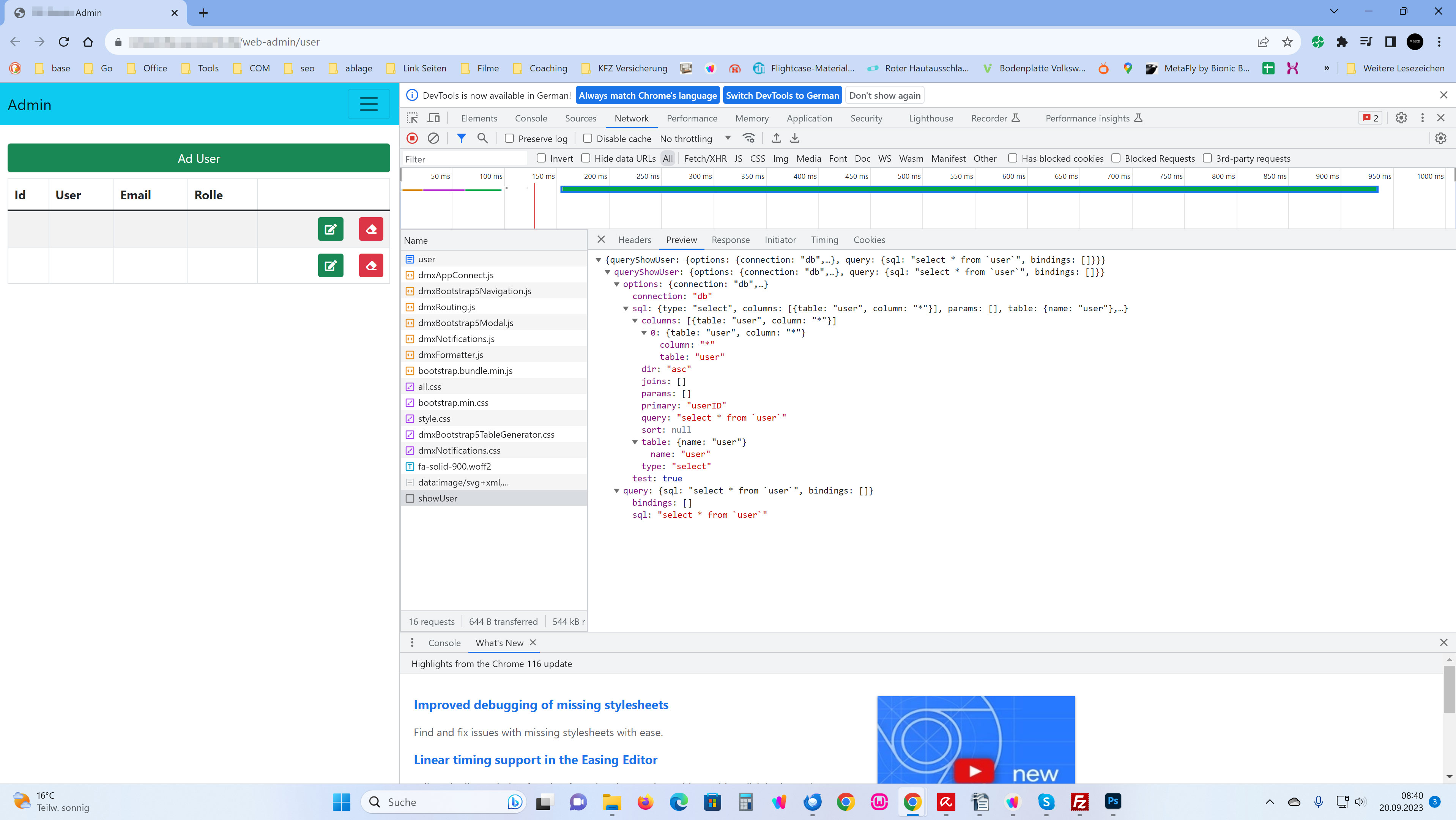
That is not debug mode, that is the debug option for the database query step, which returns the generated sql.
You should keep that option off.
I only did that because I’m desperately looking for the error.
Without the database connection I can’t get any further and I only have time to take care of it this week.
Do you perhaps have an idea as to what could be the problem?
Most probably wrong address/credentials/port are used … where exactly are you getting these from? Where is your database hosted? What hosting are you using? What server model?
Here my Server Details:
Host: linevast.de
PHP Version (8.2)
Server: DA PMA Signon (Localhost via UNIX socket)
Server-Version: 10.6.14-MariaDB-cll-lve - MariaDB Server
Port 3306
Ok, i just got lost in all these posts here in the topic - what is the issue you are currently having?
I can’t get a database connection with Nodejs and Mysql/MariaDB.
For testing purposes, I tried this with a PHP / Mysql test project, and it worked.
Here is the error message:
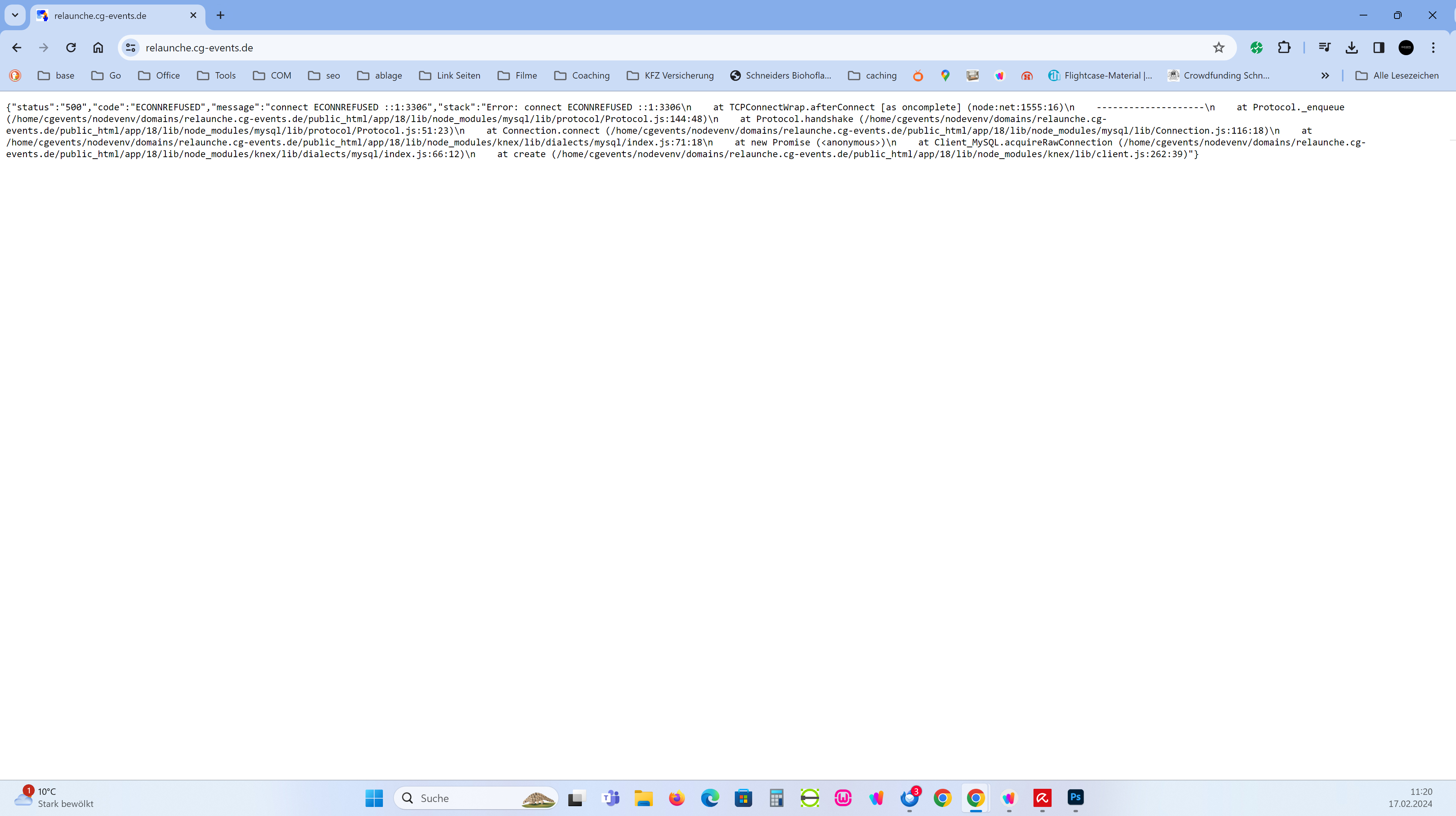
{status: "500", code: "ECONNREFUSED", message: "connect ECONNREFUSED ::1:3306",…}
code
:
"ECONNREFUSED"
message
:
"connect ECONNREFUSED ::1:3306"
stack
:
"Error: connect ECONNREFUSED ::1:3306\n    at TCPConnectWrap.afterConnect [as oncomplete] (node:net:1494:16)\n    --------------------\n    at Protocol._enqueue (/home/myfolder/nodevenv/domains/mydomain/public_html/app/18/lib/node_modules/mysql/lib/protocol/Protocol.js:144:48)\n    at Protocol.handshake (/home/myfolder/nodevenv/domains/mydomain/public_html/app/18/lib/node_modules/mysql/lib/protocol/Protocol.js:51:23)\n    at Connection.connect (/home/myfolder/nodevenv/domains/mydomain/public_html/app/18/lib/node_modules/mysql/lib/Connection.js:116:18)\n    at /home/myfolder/nodevenv/domains/mydomain/public_html/app/18/lib/node_modules/knex/lib/dialects/mysql/index.js:66:18\n    at new Promise (<anonymous>)\n    at Client_MySQL.acquireRawConnection (/home/myfolder/nodevenv/domains/mydomain/public_html/app/18/lib/node_modules/knex/lib/dialects/mysql/index.js:61:12)\n    at create (/home/myfolder/nodevenv/domains/mydomain/public_html/app/18/lib/node_modules/knex/lib/client.js:262:39)"
status
:
"500"Can you try using 127.0.0.1 instead of localhost in your remote target database connection?
Yes, it works 
Thank you!
The days of headaches are over 
1 Like
mhhh Crazy, now I have the same problem again.
I didn’t change anything in the DB connection and only edited a query, after the upload I get exactly the same problem.
I tried everything: localhost, 127.0.0.1
Nothing works
How did you upload?
As always, I uploaded the files I worked on after saving them.
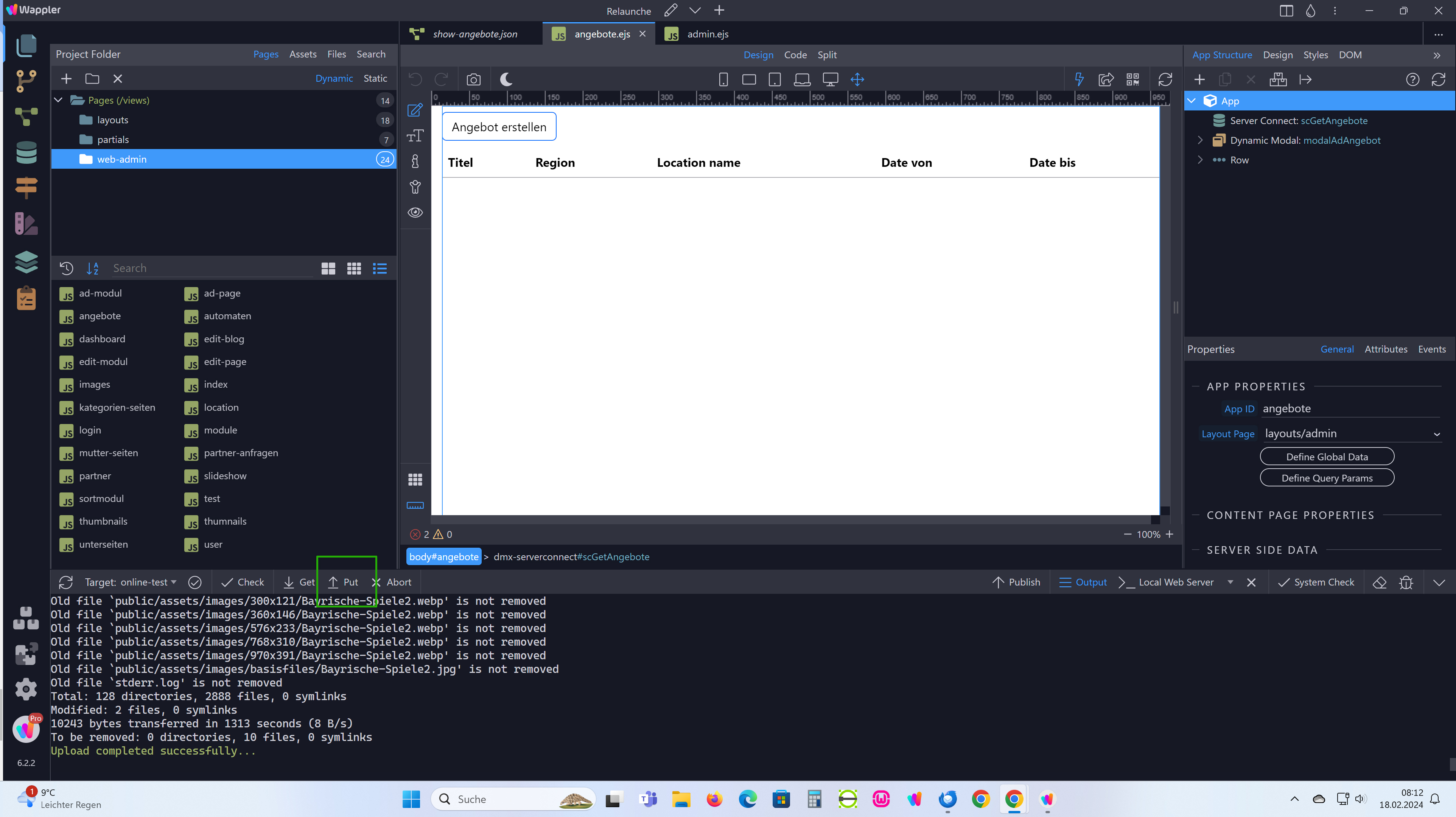
I have already uploaded the whole project again via Publish. no change
Christian,
If you go to …\app\modules\connections, you will see a file with the name of the database. In my case, the file is called db.json
Open this file while in Development mode and take note of its contents.
Repeat the above while in Production mode.
In my case, the content of the file is as follows:
Development:

Production:
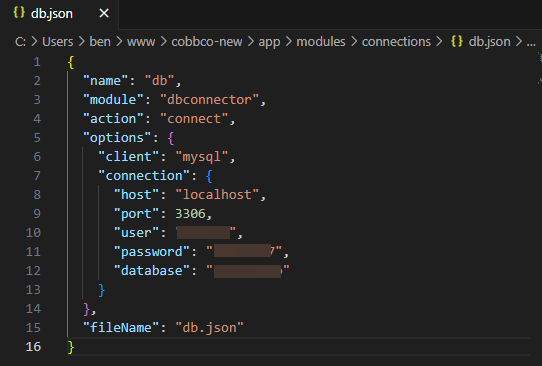
See the difference?
In the past, I have had problems similar to what you are experiencing. In my case, it could be age related.
The way that I fixed the problem is to make sure that the local site works properly. Then I go into the remote file manager and adjust the file to suit the remote environment.
I hope this will help your case.