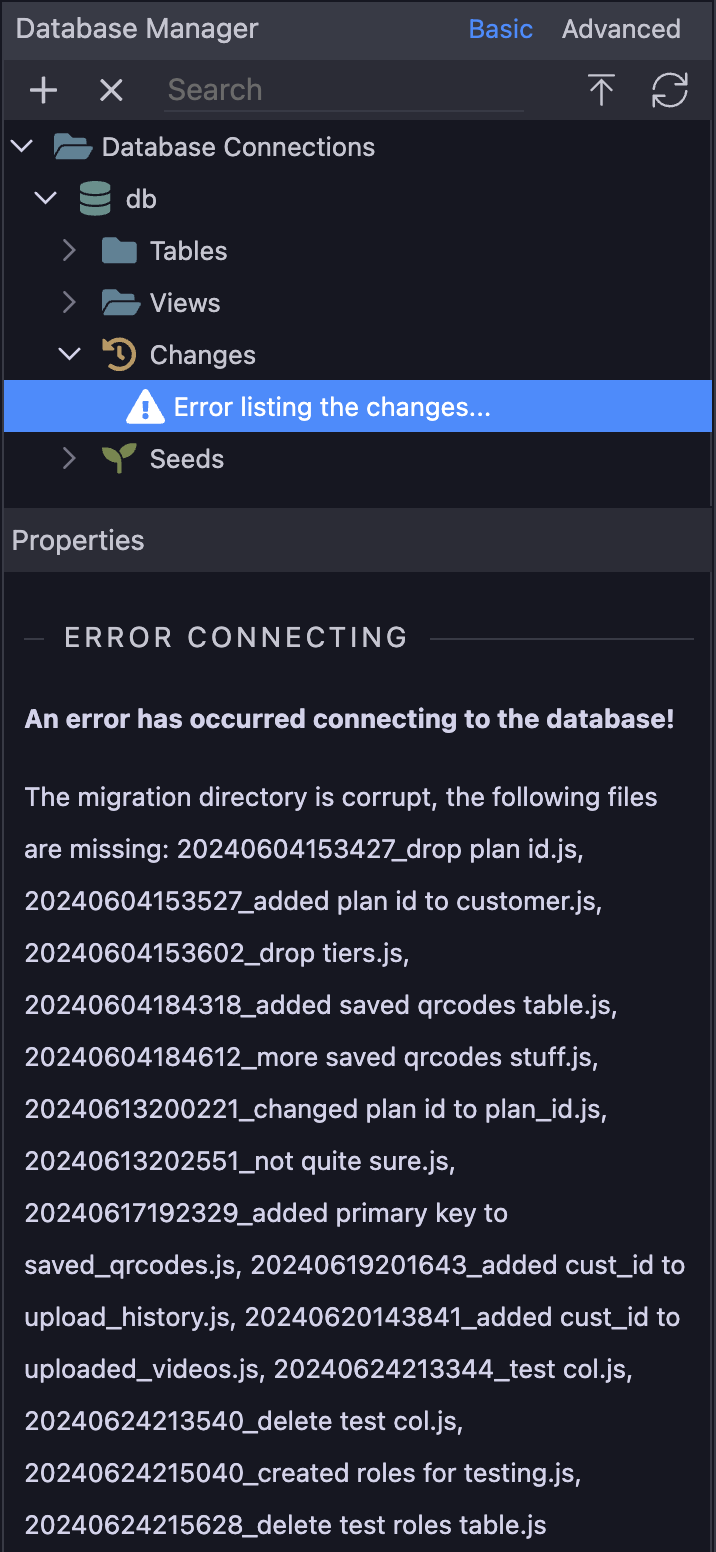
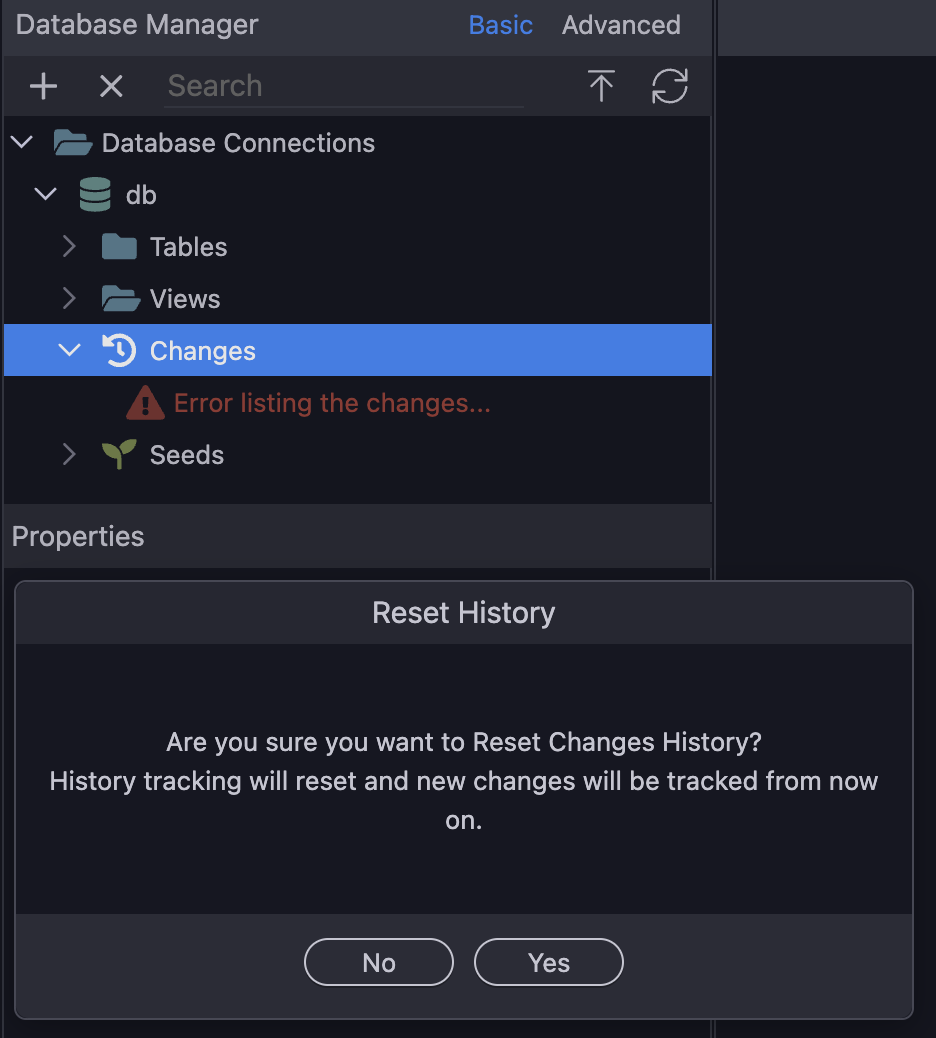
I'm attempting to resolve this myself as I have a few years of MySQL admin experience, many many years ago. I realized I could probably build the DB on the remote system with just the SQL statements needed for creating the schemas of each table. This means I no longer need the "Changes" performed on my development DB to create my remote DB. If I could get both environments (dev and staging) to the same state, then I could delete all DB Changes in Wappler in my development environment, as well as any left over in staging, create my tables in staging, and then rely on Wappler's DB Changes steps to keep things in sync. At least that's the plan.
Development Environment:
In my development environment set as the Target: in Wappler, I want to use the mysql tool to give me the SQL statement to create each of my tables. I selected the Database Server terminal in Wappler and ran the following commands from within the Database Server terminal:
bash# mysql -u username -p database_name
  password:
mysql>SHOW CREATE TABLE table_name;
The first command will ask you for the root user password, which can be found in your project settings -> targets -> development, in the Database section -> root user password. Copy/paste it into the terminal prompt for your password.
I run the SHOW CREATE TABLE command for each table in my development database. I copy/paste the output, excluding all the extra characters around the actual SQL into a blank file on my laptop and name it the table name. I'll end up with a SQL schema for each table in separate files...good.
Since I don't want to carry over any development data in my tables to staging, I do not perform a mysqldump. My lookup tables are very minimal at this point so I can just manually type into the rows of those tables later.
Remote Environment:
Once I have all the clean SQL schema statements for the creation of each table in my dev env, the next thing I did was to change my Target: in Wappler to my staging environment where the remote DB exists. When I first deployed to this location (A Digital Ocean server instance), Wappler created my database (in name only), but had only created the sample tables and data. There's actually a slider that will turn this off when you first deploy to a remote server, but I missed it. So, time to delete those tables.
I'm having to go through these steps in fact because a few months back when I was just starting out on Wappler and creating my DB tables, I ran into a few blocking changes to the DB. I searched, found some help, and deleted the blocking "Changes" in development, not fully understanding what this meant later when I was ready to deploy my work to a hosting provider.
I went to the terminal selection in Wappler and selected Database Server on my remote target. This brings you to a bash shell in the remote DB environment. I use Docker so YMMV. I logged into mysql on the remote system from this terminal:
bash# mysql -u root -p
password:
mysql> show databases;
mysql> use mydatabase (where mydatabase is the name of my database)
mysql> show tables;
+---------------------+
| Tables_in_mydatabase |
+---------------------+
| cars                |
| countries           |
| images              |
| users               |
+---------------------+
4 rows in set (0.00 sec)
Clearly not what I want to see, so those need to go.
mysql> drop table cars, countries, images, users;
  Query OK, 0 rows affected (0.05 sec)
mysql> show tables;
  Empty set (0.00 sec)
Much better. Since I'm already "using" mydatabase, I can apply the schema.sql files captured from my development environment. However, I noticed that some of the schema in my tables are using ON DELETE CASCADE for foreign key -> primary key relationships. This is bad and must be fixed first so I don't lose any user/customer data in my user/customer table if I delete a row in a lookup table. So I'm currently changing the schema SQL to fix this.
The rest of today will be to correct the CASCADE SQL statements, and then copy/paste the SQL statements into the remote Database Server's mysql tool to create the tables there. Then I plan to delete the "Changes" on both environments, hoping that any future DB changes in dev can be easily deployed using Wappler to the remote DB.
That's it for now.