There were a few steps I had to go through to get this working.
- Make sure there are no spaces in the directory path. I had to rename my Wappler folder to replace spaces with underscores.
- Install Python 3.10
- Set Python path in Environment variables
- Install the Windows Standalone Build Tools. While installing, choose the “Desktop development with C++” workload option.
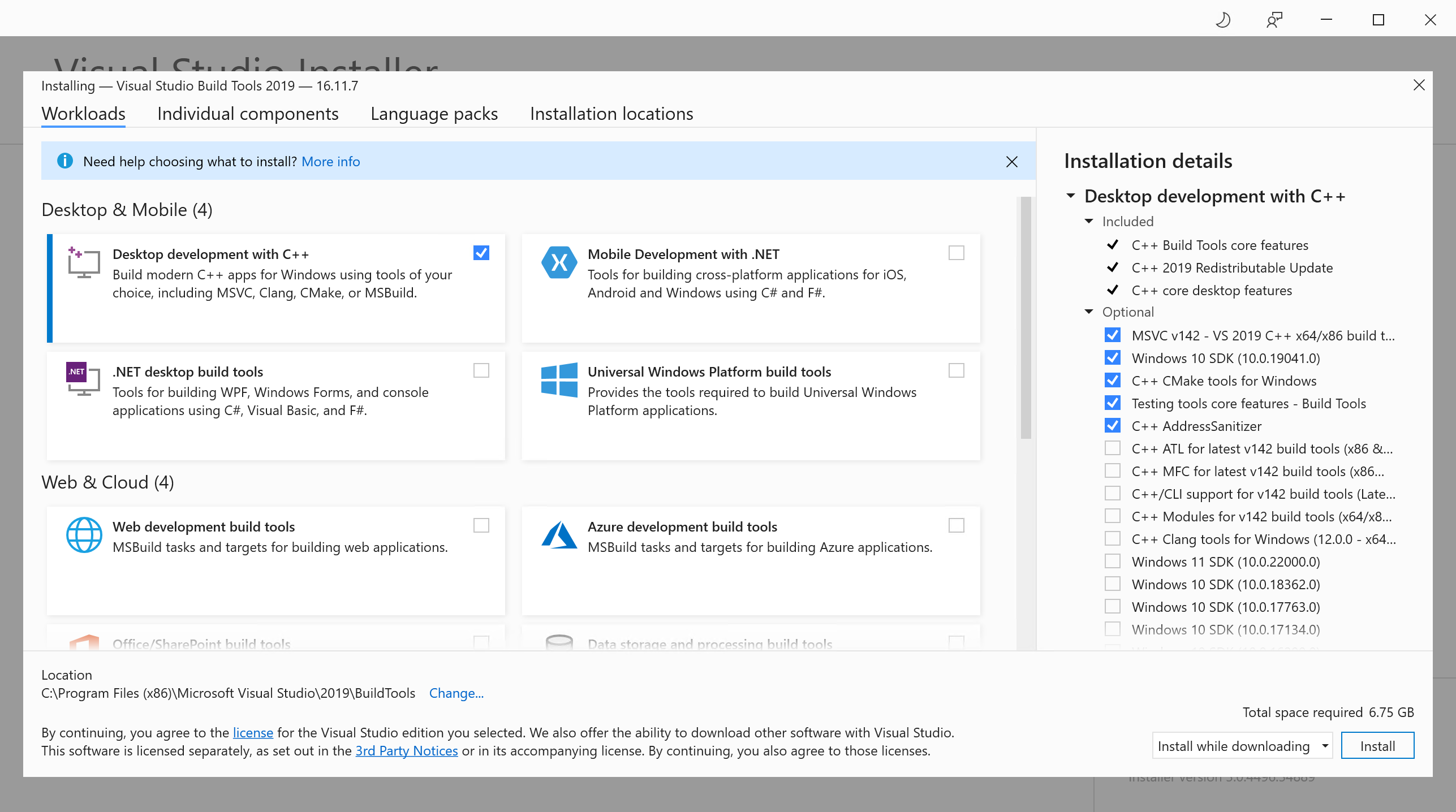
4. Run the following command with the year/version of the Standalone Build Tools installed.
npm config set msvs_version 2022
- Restart computer
That was all that I needed to successfully build and package Electron after adding sqlite functionality to my app.
Other potential steps can be found here. if the above does not work.